1
2.2 System Configuration—Software
2.2.4 Time Service
Description
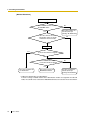
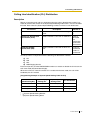
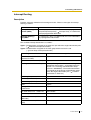
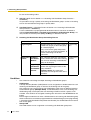
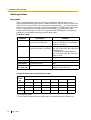
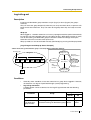
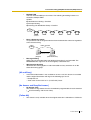
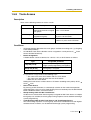
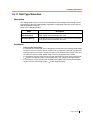
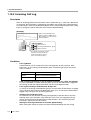
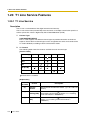
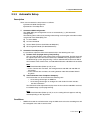
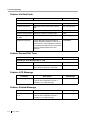
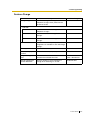
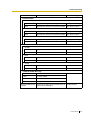
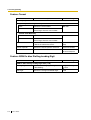
This PBX supports day, night, lunch, and break modes of operation. TRS/Barring can be
arranged separately. The destination of incoming calls can be set differently for each mode.
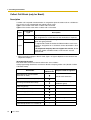
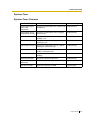
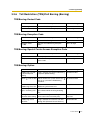
1. Time Service Switching Mode
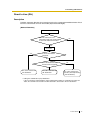
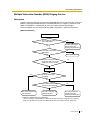
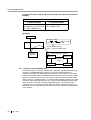
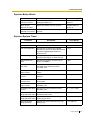
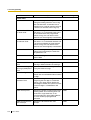
Day/lunch/break/night mode can be switched either automatically or manually (
Service Switching Mode). The switching mode can be assigned for each tenant.
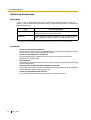
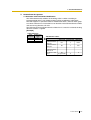
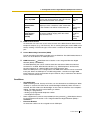
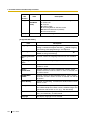
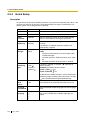
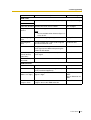
Type
Time
Description
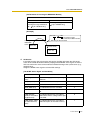
Automatic
The PBX will switch mode according to the preprogrammed Time
Table.
Manual
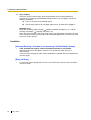
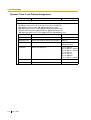
A manager, or preprogrammed extension on a COS basis ( Time
Service Switching Mode) can switch mode by dialling the feature
number or pressing the Time Service button.
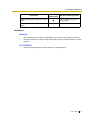
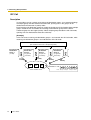
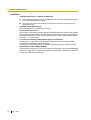
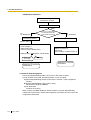
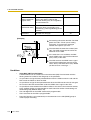
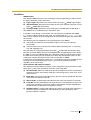
Even while in the Automatic Switching mode, day/lunch/break/night mode can be
changed manually.
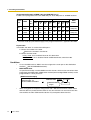
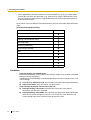
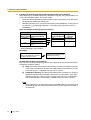
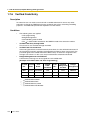
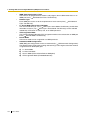
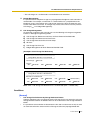
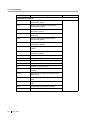
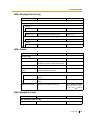
2. Time Table
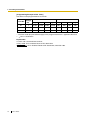
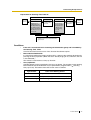
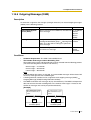
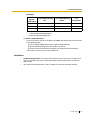
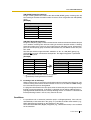
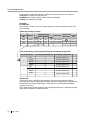
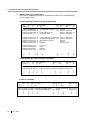
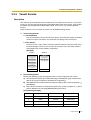
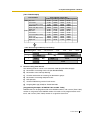
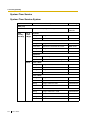
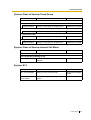
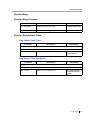
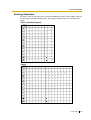
Each tenant has a Time Table used for the Automatic Switching mode. The Start and/or
End time of each mode can be set for each day of the week. The Time Table numbers
correspond to the tenant numbers respectively.
250
Feature Guide