1
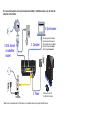
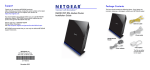
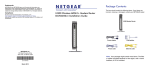
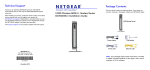
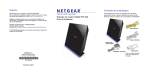
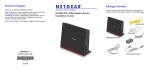
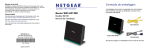
You can use this diagram to connect your modem router to ADSL or cable/fiber modem, or you can follow the
instructions in this booklet.
4. Open browser
1. ADSL Internet
or cable/fiber
modem*
2. Computer
3. Power
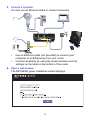
If the web page does not display,
close and reopen the browser to
http://routerlogin.net in the address
bar. Enter the user name admin
and the password password.
After power on, wait for
the WiFi LED to turn blue.
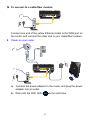
*Note: Connect to the telephone line for ADSL Internet or to the cable/fiber modem from the Gigabit Ethernet WAN port.