1
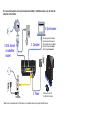
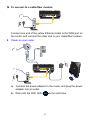
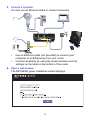
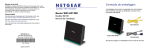
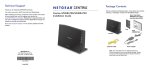
To connect to a cable/fiber modem: Connect one end of the yellow Ethernet cable to the WAN port on the router, and connect the other end to your cable/fiber modem. 2. Power on your router. a. Connect the power adapter to the router, and plug the power adapter into an outlet. b. Wait until the WiFi LED turns solid blue. 5