1
SIMSCRIPT Graphics
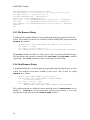
Main
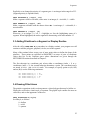
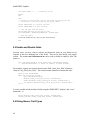
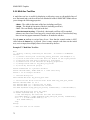
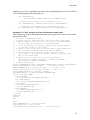
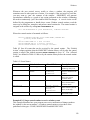
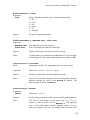
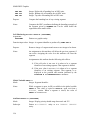
Let TIMESCALE.V = 100
Activate a MOVER now
Start Simulation
End
'' 1 second per time unit
3.11 Modeling Transformations
In SIMSCRIPT, there is a single modeling transformation that consists of translation,
rotation, and scale parameters. Parameters of this modeling transformation can be set by
the programmer to produce changes in how all segments and custom icons are drawn.
The modeling transformation is supported by the library routines:
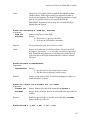
MXRESET.R ( entity) Set modeling transform using entity attributes.
MSCALE.R ( factor) Scale by factor.
MZROTATE.R ( radians) Rotate counterclockwise around origin.
MXLATE.R ( xval, yval) Translate (move) in X and Y.
You can call MZROTATE.R, MXLATE.R, or MSCALE.R before calling routines to
create primitives to cause those graphics to be rotated, translated or scaled. Rotation and
scale are performed before translation. The effects of successive calls on both
MZROTATE.R and MXLATE.R are cumulative. Translation should be specified in real
world coordinate units.
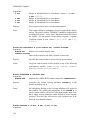
Call MXRESET.R(0) to reset the modeling transformation to zero translation, zero
rotation and a scale factor of 1.0. You can pass a display entity pointer to MXRESET.R to
copy the LOCATION.A, and ORIENTATION.A attributes of the entity into the modeling
transformation.
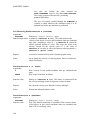
Keep in mind that whenever your program executes a “DISPLAY entity” or “Let
LOCATION.A entity ” statements, SIMSCRIPT will automatically call MXRESET.R given
a pointer to the entity that is being displayed. In this case the current modeling
transformation will be lost. If you plan on using a display routine, use of the modeling
transformation should be reserved for inside of the display routine. Calls to OPEN.SEG.R
do not change the modeling transformation.
36