1
Browsing and Sharing
Gallery view
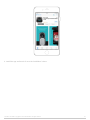
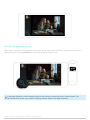
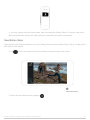
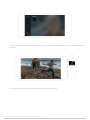
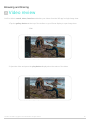
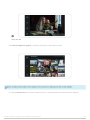
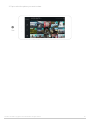
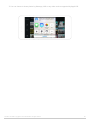
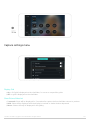
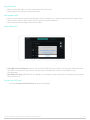
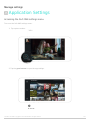
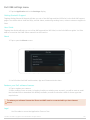
Gallery view provides an overview of photos stored on both the iPhone and the camera.
Opening Gallery view
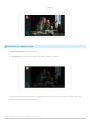
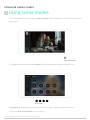
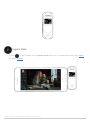
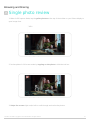
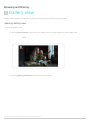
To open the gallery view:
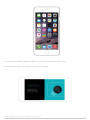
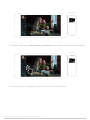
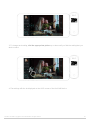
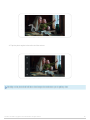
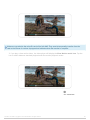
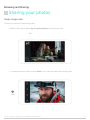
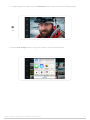
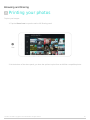
1. Tap the gallery button at the top of the toolbar on your iPhone display to open image view.
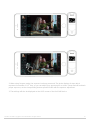
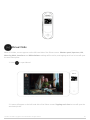
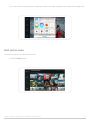
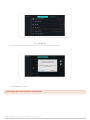
2. Tap the gallery grid button at the bottom of the toolbar.
DxO ONE - User Guide - Copyright © DxO Labs 1999-2015 - All rights reserved
87