1
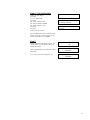
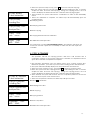
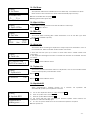
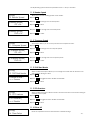
12.7 HDD Info.
[Image Manager]
7. HDD Info.
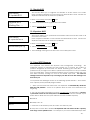
This function allows checking all information of HDD, such as how many discs are
stored and the HDD’s available space.
press ENT
Used: 0CD 7DVD
Free: 41CD 8DVD
[Image Manager]
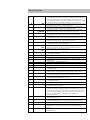
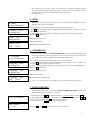
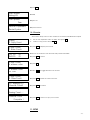
8. Format HDD
Caution:
Format HDD?
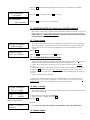
12.8 Format HDD
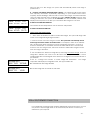
This feature allows formatting the HDD. However, you will be unable to format the
HDD if the HDD image was selected as Reading Source. You must go to 8. Select
Source to select the Optical Drive as Reading Source.
press ENT
[Format HDD]
Confirm Again
Press ENT to confirm format
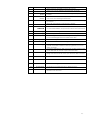
[Format HDD]
Complete!
Press ENT to confirm and start executing
13. LINK SETUP
To access this menu use the until you arrived at 13. Link Setup, and then press ENT
Note: If no Hard Drive is present in the tower, this function will default to 12. Link
Setup.
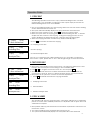
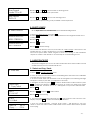
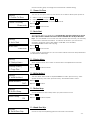
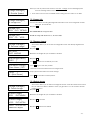
13.1 Set MyPosition
[Link Setup]
1. Set MyPosition
[Link Position]
== > First
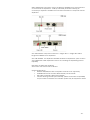
This function will allow you to set the position of the tower within the chain.
a. Select 13. Link Setup and press ENT
b. At 1.Set My Position and press ENT
c. Press , to select between First Tower, Middle Tower, Last Tower, or Stand-alone.
Press ENT
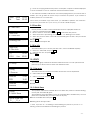
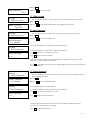
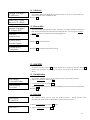
13.2 Start Link
[Link Setup]
2. Start Link
This function allows you to start the linking process.
Linking process also
automatically starts when the duplication towers are first power on.
a. Select 13. Link Setup and press ENT press
Start LINK …..
b. Select 2. Start Link and press ENT
- 19 -