1
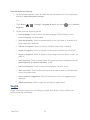
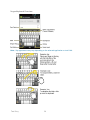
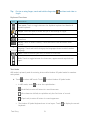
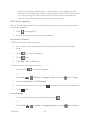
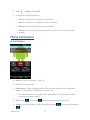
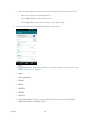
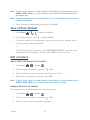
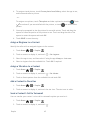
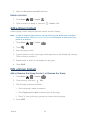
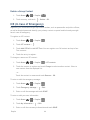
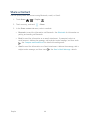
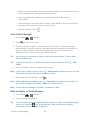
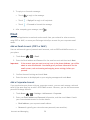
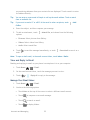
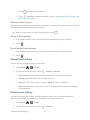
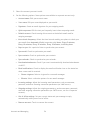
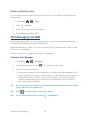
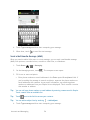
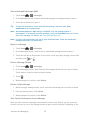
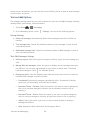
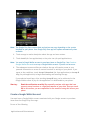
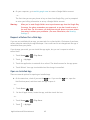
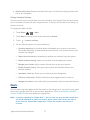
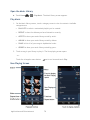
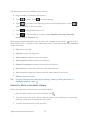
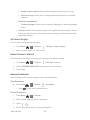
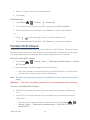
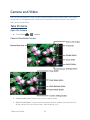
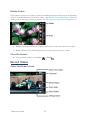
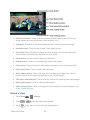
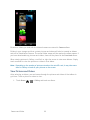
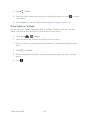
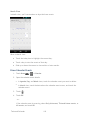
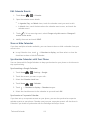
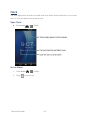
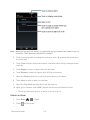
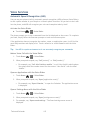
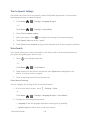
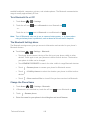
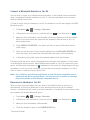
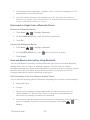
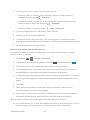
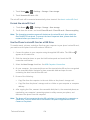
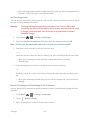
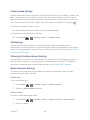
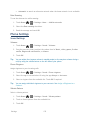
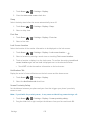
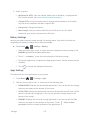
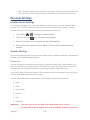
Video Camera Settings You can adjust your video camera settings using the icons on the main video camera screen and the full video camera settings menu. 1. Touch Home 2. Touch > 3. Touch if you want to select the front-facing camera. 4. Touch > > > Camera. to activate video camera mode. to show the video camera settings menu. Store location: Stores the location information of the video. Color effect: Adds a color effect to the picture. Choose from: None, Mono, Sepia, or Negative. Auto exposure: Selects the exposure metering range from: Frame average, Center weighted, or Spot metering. Recording start sound: Selects the sound from: Silent, Sound 1, or Sound 2. Recording end sound: Selects the sound from: Silent, Sound 1, or Sound 2. Restore defaults: Restores all of the video camera settings to their default values. View Pictures and Videos Using Gallery Using the Gallery application, you can view pictures and watch videos that you’ve taken with your phone’s camera, downloaded, or copied onto your microSD card or phone memory. For pictures that are on your microSD card or phone memory, you can do basic editing such as rotating and cropping. You can also easily assign a picture as your contact picture or wallpaper and share pictures with your friends. Open Gallery The Gallery application opens in the Albums view where your pictures and videos organized by albums for easy viewing. ► Touch Home Camera and Video > > Gallery. 98