1
to the phonebook you have selected.
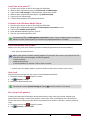
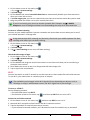
View contacts
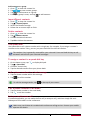
Do the following methods to view the contact list:
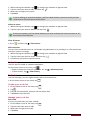
-- On the home screen, tap
.
-- Or on the list menu, tap
.
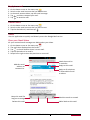
Search for a contact
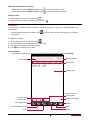
1. Go to
to view the contact list.
2. Scroll up or down the contact list.
3. Tap
and enter the first few letters of the name in the search bar.
4. Select the contact from the option list.
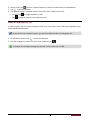
Call a contact
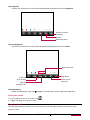
1. Go to
to view the contact list.
2. Scroll the list to select your desired contact.
-- Tap the number area to call the cotact.
-- Tap
to make a video call with the cotact.
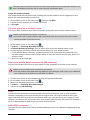
Add a new contact
Method one:
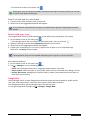
1. On the home screen, tap
to display dial pad.
2. Enter a number, tap > Add to contacts.
3. Tap Create new contact, select your desired storage.
4. Add details as desired.
5. Tap Done to finish saving.
Method two:
1. Go to
to view the contact list.
2. Tap
to add a new contact.
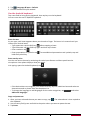
For contacts on the smart phonebook, you can add detailed information, like home
number, office number, contact pictures and etc.
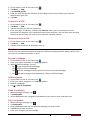
My favorites
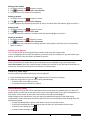
Add a contact to favorites
You can add your contacts stored on the smart phonebook to your favorites.
1. Search for the desired contact.
2. Tap
to add the contact to your favorites.
View your favorites
1. Go to
to view the contact list.
2. Tap
to view your favorites.
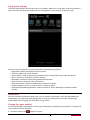
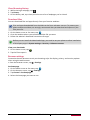
Contact groups
You can group your contacts as different groups. For different groups, you can use different
identification, and send messages to a group.
USER MANUAL
MultiPhone PAP4044 DUO
17