1
13.Travel & maps
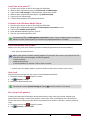
Use this application to pinpoint the location of your phone, search for places, or
get directions.
Find a location
13
About Locations
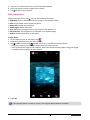
Use this application to search for nearby restaurants, banks, bus stops, and more.
-- On the home screen or list menu, tap .
•If you are in an area where there are a lot of surrounding buildings, Locations may have a
hard time pinpointing your location.
•This application may not be available depending on the region or service provider.
Turn on or off location service
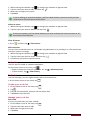
In order to find your location on your phone, you need to enable location sources.
1. On the home screen or list menu, tap
.
-- Or, tap > System settings.
2. Tap Location services.
3. Select or clear the location sources you want to turn on or off.
Find your location
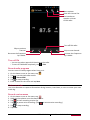
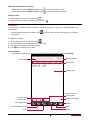
1. On the home screen or list menu, tap .
2. Your phone will pinpoint your location.
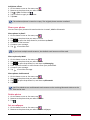
3. Select a category that you’re interested in to see the places that are nearby.
Add a new category
You can add a new category to search for more places nearby quickly.
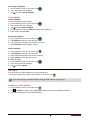
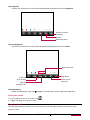
1. On the home screen or list menu, tap .
2. Tap > Add a search.
3. On the category list, enter a keyword to search into the text field.
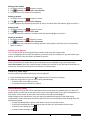
Search for a place
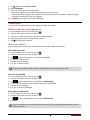
You can search for a name of an establishment, street, or city. Suggested matches will be shown
while you type.
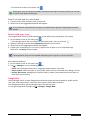
1. On the home screen or list menu, tap .
2. Tap
.
3. Enter the place you want to search for.
4. Select the desired place in the result list.
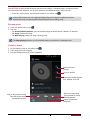
-- Tap
to show the place on the map.
-- Tap
to get directions to the place.
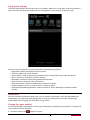
Get directions
Get detailed directions to where you want to go.
Get directions from your location
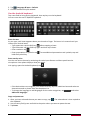
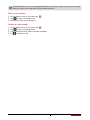
1. On the home screen or list menu, tap
2. Tap
.
.
USER MANUAL
MultiPhone PAP4044 DUO
47