1
PENTRA 80 TECHNICAL MANUAL
PROCEDURE
3. Barcode configuration
3.1. Typology and Ckeck Digit
Several standards of barcode labels with different encoding are available. According to the model of
barcode used by the laboratory, it is necessary to define the settings of the read characters.
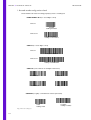
Following, the barcode standards the most used in laboratories:
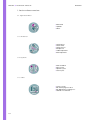
• Code 2 of 5 interleaved
• Code 39
• Code 128
• Codabar
Among those typologies, some can be used with or without Check Digit. The Check Digit is an
added encoding digit, located on the right part of the code, and corresponds to an algorithm
returned value that checks the integrity of the barcode reading.
The Check Digit is optional and is defined by the administrator of the barcode label edition
software.
3.2. Barcode configuration
Previously to barcode configuration, it is necessary to know the barcode models used in the
laboratory and to note the Typology and the Check Digit exploitation.
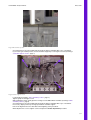
Exemple:
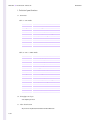
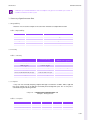
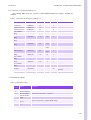
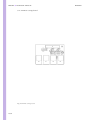
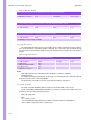
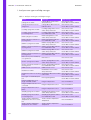
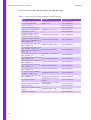
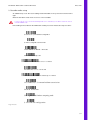
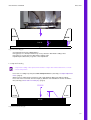
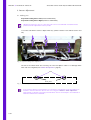
1- Note the label models used in the laboratory as shown:
Laboratory XXX
Typology
Check digit
Code 2 of 5 interleaved
Code 128
Codabar
No
Yes
Yes
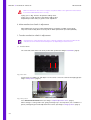
2- Log in as «Technician» while starting the Pentra 80 application.
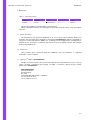
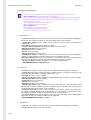
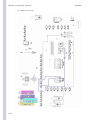
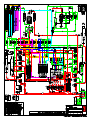
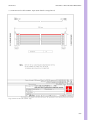
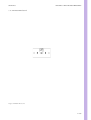
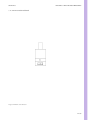
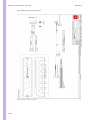
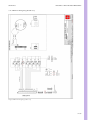
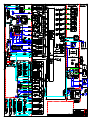
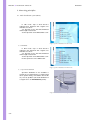
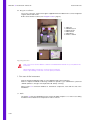
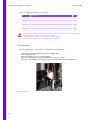
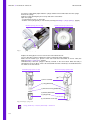
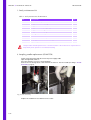
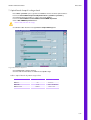
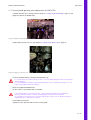
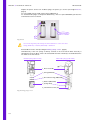
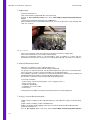
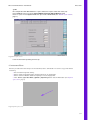
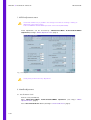
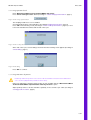
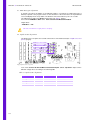
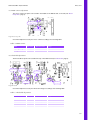
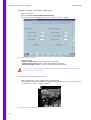
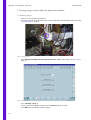
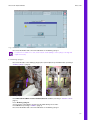
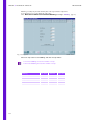
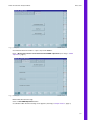
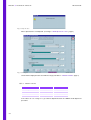
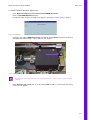
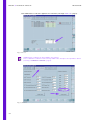
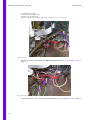
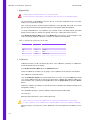
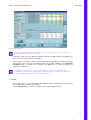
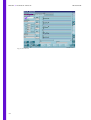
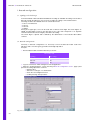
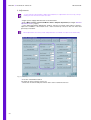
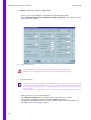
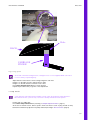
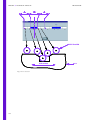
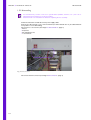
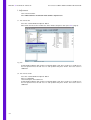
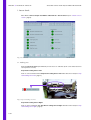
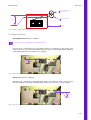
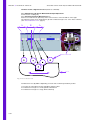
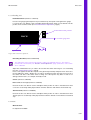
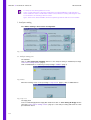
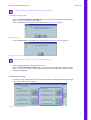
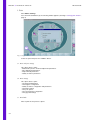
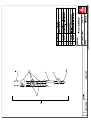
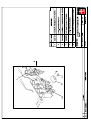
3- Open the «Technician/Others» screen (See Diag.3“Barcode configuration screen”, page 4) and
perform the setting adjustment as follows:
• Open the tab 1.
• Select the «Code type = 2/5 Interleaved».
• Check the «Check Digit None» box.
• Confirm pressing «Accept values».
Diag.3Barcode configuration screen
4/6