1
PRO
XC Camera Camera Setup Guide
6.1.Accessing
the XC via IE
Product Overview
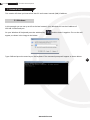
Before we can access our newly setup XRN/XC on IE there a few more steps.
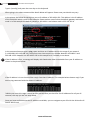
If there is a reply the device can now be accessed on the web browser. Open Internet Explorer and type in
your IP address in the address bar and press enter on the keyboard.
The correct way to type the address is http://192.168.1.100.
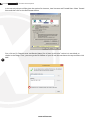
You will be prompted for Active X controls to be installed. For this to go successfully we need to change
your settings of your IE browser. To setup the ActiveX Controls and Plug-ins, please follow the steps below.
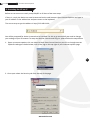
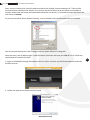
1. Open up Internet options, this can either be done from Control Panel on your PC or through Internet
Explorers settings as shown below, click on the cog on the top right of your Internet explorer page.
15
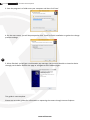
2. Once open select the Security tab from the top of the page.
www.xvision.com