1
Canada Life Automated Self Service User Manual
CLICK HERE
Section 1
to return to the contents page
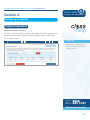
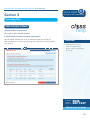
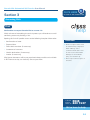
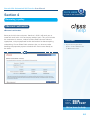
CLASS Registration
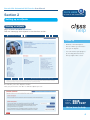
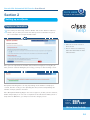
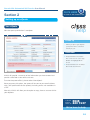
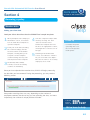
To register simply go to
www.canadalife.co.uk/class
help
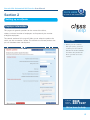
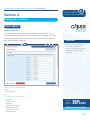
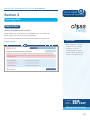
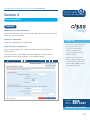
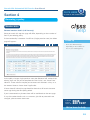
there are two registration options:
1
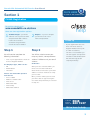
Standard Login – you will be
asked to select your user name
and password. Both of these
need to be at least 8
characters long and must
include at least 1 number.
2
Unipass – if you use unipass
you will not need a user
name and password.
CLASS tip
Step 1
Step 2
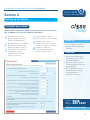
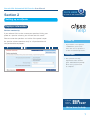
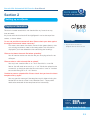
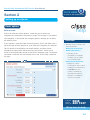
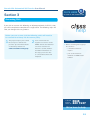
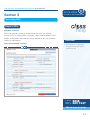
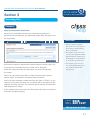
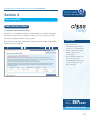
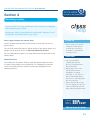
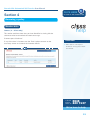
You will need to complete the
following information:
• Your or your organisation’s Financial
Services Register Number.
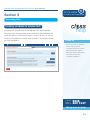
You will be asked to enter your
company details, correspondence
address if different and your email
address.
The Employee Type, which can be:
Verification
• IFA
• Administrator
• IT-related
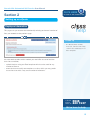
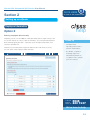
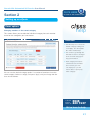
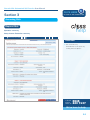
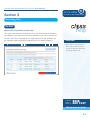
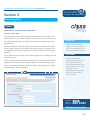
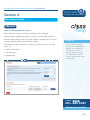
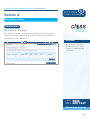
After you have clicked ‘Confirm’ you
will receive an email verification
which will be a link sent to your email
address. You have 48 hours to verify
your account.
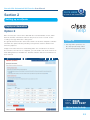
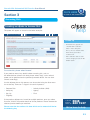
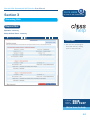
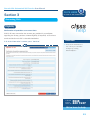
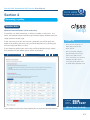
Choose two memorable questions
from this list:
•
•
•
•
•
•
Place of birth
Mother’s maiden name
First school
Memorable date
First holiday
Memorable address
• If your organisation does not
have a Financial Services
Register Number and is part
of a firm of actuaries,
solicitors or accountants you
can still register. Just speak to
a member of the CLASS team
who will then register the
company manually.
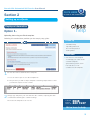
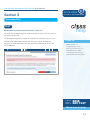
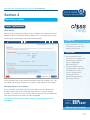
Once you have verified your account
you will be able to sign in using the
user name and password you selected
in step one.
call the
CLASS
team on
0845
223 7137
We’re here to help
3