1
Input Data
Discussion:
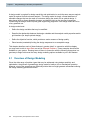
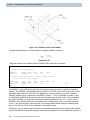
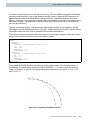
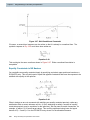
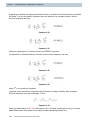
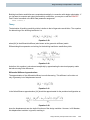
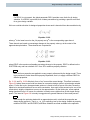
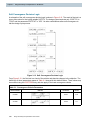
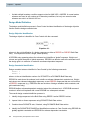
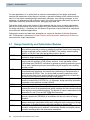
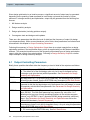
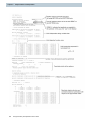
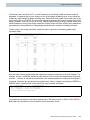
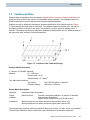
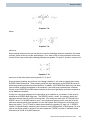
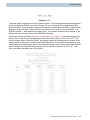
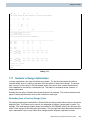
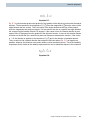
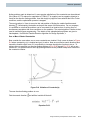
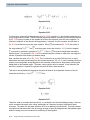
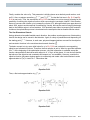
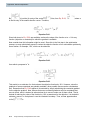
Constraints must be selected in Case Control. The DCONADD entry allows a number of DCONSTR
entry sets to be unified into a single set, making their selection in Case Control easier.
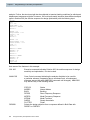
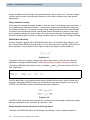
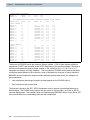
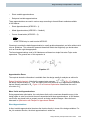
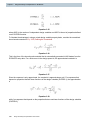
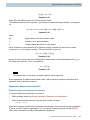
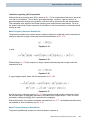
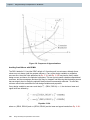
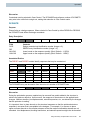
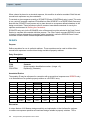
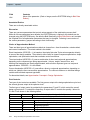
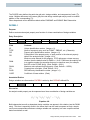
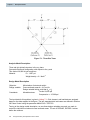
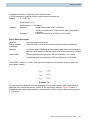
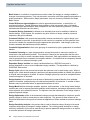
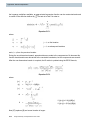
DCONSTR
Purpose:
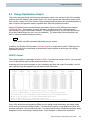
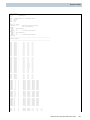
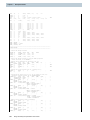
Places limits on a design response. When selected in Case Control by either DESGLB or DESSUB,
the DCONSTR sets define the design constraints.
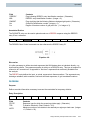
Entry Description:
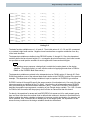
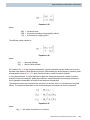
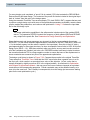
DCONSTR
RID
DCID
LALLOW
UALLOW
Field
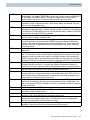
DCID
Contents
Design constraint set identification number (Integer > 0).
RID
DRESPi entry identification number (Integer > 0).
LALLOW
UALLOW
Lower bound on the response quantity (Real, Default = -1.0E20).
Upper bound on the response quantity (Real, Default = 1.0E20).
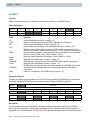
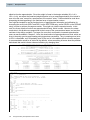
Associated Entries:
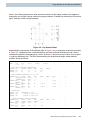
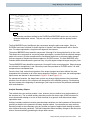
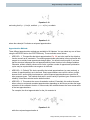
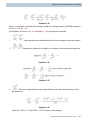
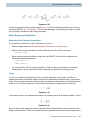
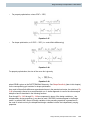
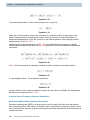
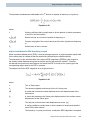
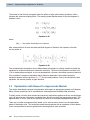
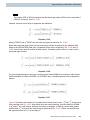
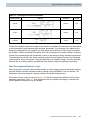
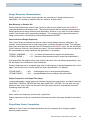
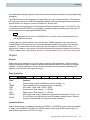
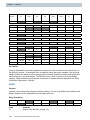
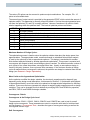
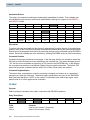
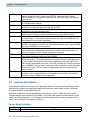
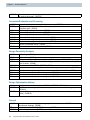
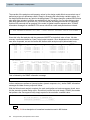
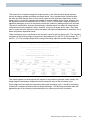
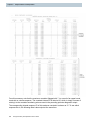
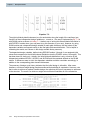
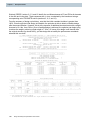
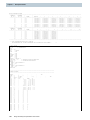
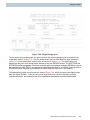
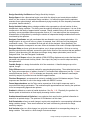
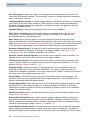
The DRESP1 and DRESP2 entries identify responses that may be constrained.
DRESP1
DRESP2
ID
LABEL
RTYPE
PTYPE
ATT2
-etc.-
ID
LABEL
EQID
REGION
“DESVAR”
DVID1
DVID2
-etc.-
“DTABLE”
LABL1
LABL2
-etc.-
“DRESP1"
NR1
NR2
-etc.-
“DNODE”
G1
C1
G2
REGION
ATTA
C2
-etc.-
ATTB
ATT1
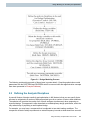
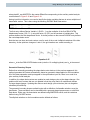
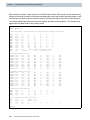
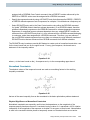
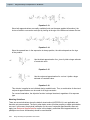
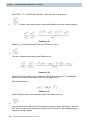
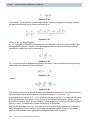
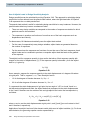
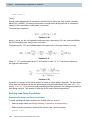
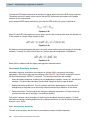
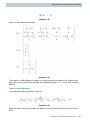
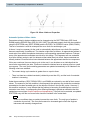
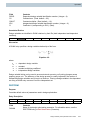
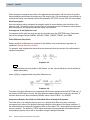
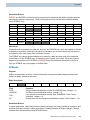
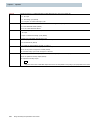
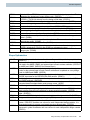
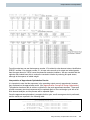
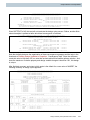
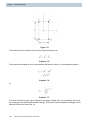
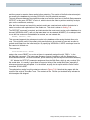
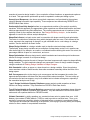
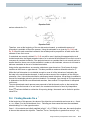
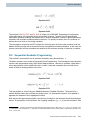
The DCONADD entry can be used to form the union of a number of DCONSTR sets.
DCONADD
DCID
DC1
DC2
DC3
-etc.-
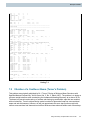
Discussion:
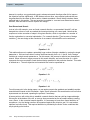
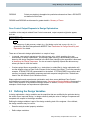
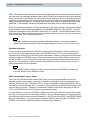
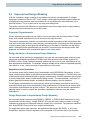
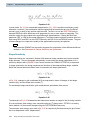
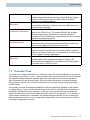
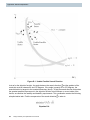
During the optimization process, material may be removed from and/or added to the structure to
achieve the optimum objective. As this occurs, the response of the structure to the applied loads
changes. Member stresses, joint displacements, natural frequencies, etc., are altered by the changes
that the optimizer is making.
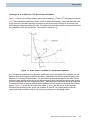
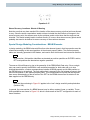
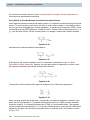
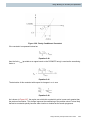
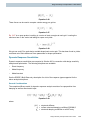
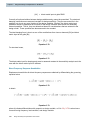
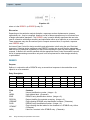
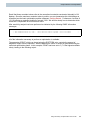
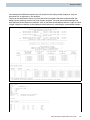
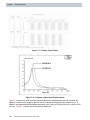
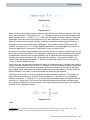
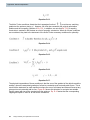
It is important, then, to place bounds on the structural responses so that the optimized structure
responds in a manner that is acceptable to the designer. For example, it is common to place
upper and lower bounds on the member stresses so that the maximum allowable stresses are not
exceeded. Joint displacement, buckling load factors, and natural frequencies might also be bounded.
Design Sensitivity and Optimization User's Guide
4-7