1
Chapter 1- Basic Operation
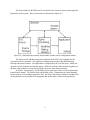
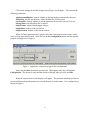
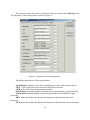
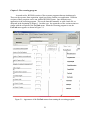
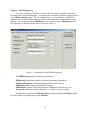
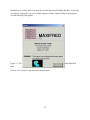
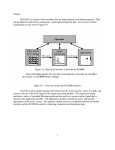
BCI2000 Consists of four separate programs that run simultaneously. These are the
operator, data acquisition, signal processing, and the user application. All four programs must be
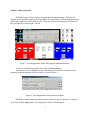
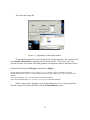
started and connected for the system to work. They may be started individually, in which case
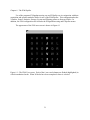
they will appear as seen in Figure 1 below.
Figure 1. Screen appearance of the four programs launched manually.
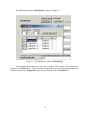
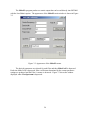
In order to connect the programs click on the 3 Connect buttons.
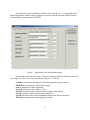
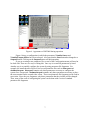
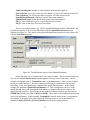
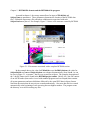
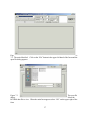
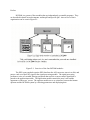
Alternatively, the four programs may be launched from a batch file, in which case all
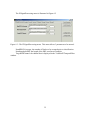
programs except the operator may be invisible, as seen in Figure 2.
Figure 2. Screen appearance of the operator program.
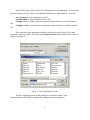
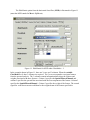
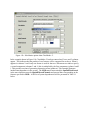
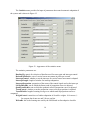
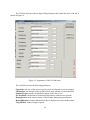
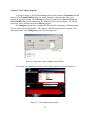
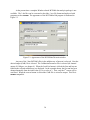
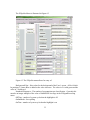
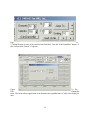
BCI2000 has many parameters that need to be entered for proper operation. In order to
do so click on the Config button. The configuration menus will then appear.
3