1
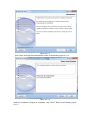
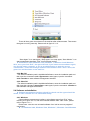
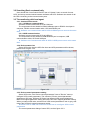
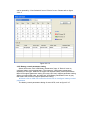
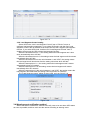
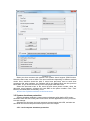
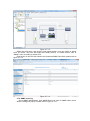
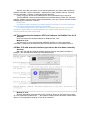
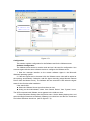
Figure 4.2.4
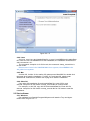
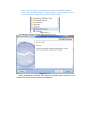
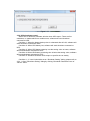
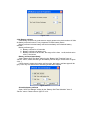
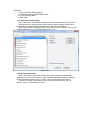
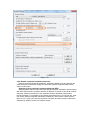
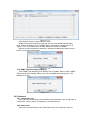
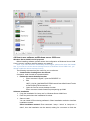
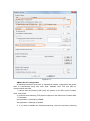
Figure 4.2.5
4.3 The communication between UPS and software on Debian Etch
Stable Core 2.6 18-5-486
Question:
UPS can’t communicate with software on Debian Etch Stable Core 2.6 18-5-486
Method to fix it:
Here are the procedures to solve this question:
First: Login in Debian as root, the permission of general user is limited to install
software. Debian refuse to login as root, some special settings is needed.
Please note:
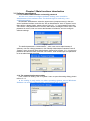
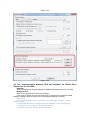
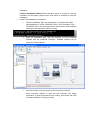
a. In the login interface, there are three icons: “Language“, “Session“, “Action“,
choose “Action”
b. Choose the last icon of “configure the login manager” in the dialog pop-up
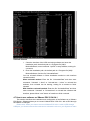
c. Choose the icon of “security” in the dialog pop-up
d. Choose “allow local system administrator login”