1
notification.
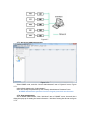
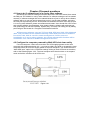
1. Pop-up real time warning dialog
2. Broadcast messages (Messenger) alarm
3. E-mail message alarm
4. SMS alarm
3.4.1 Real time warning dialog
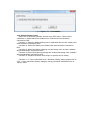
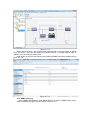
When UPS status is abnormal, software will pop up warning dialog to notify user.
Warning dialog on local computer means that the warning dialog will pop up on
local computer communicating with UPS when UPS status is abnormal.
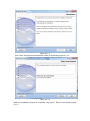
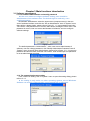
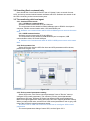
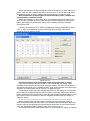
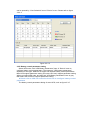
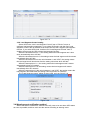
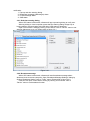
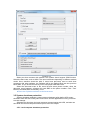
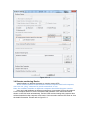
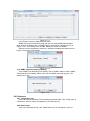
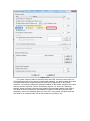
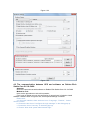
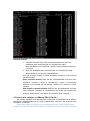
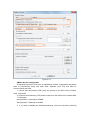
Open “Event Action” dialog by clicking “Event Action” item of “Device” menu to set
warning dialog pop-up or not. Please refer to figure 3.4.1.
Figure 3.4.1
3.4.2 Broadcast message
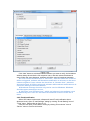
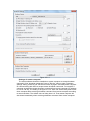
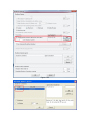
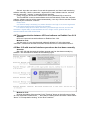
When UPS status is abnormal, software will send broadcast message about
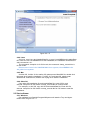
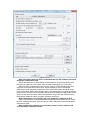
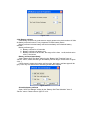
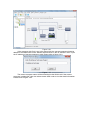
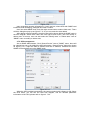
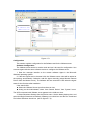
abnormal event to remote computer. Open “Broadcast Message Settings” dialog by
clicking “Broadcast Setting” item of “Tools” menu. Please refer to figure 3.4.2.
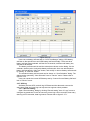
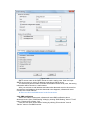
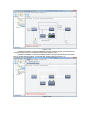
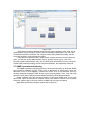
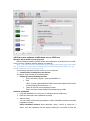
User also can open “Event Action” dialog by clicking “Event Action” item of
“Device” menu to set broadcast function.