1
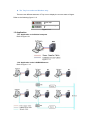
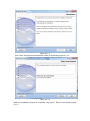
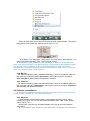
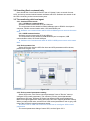
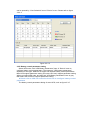
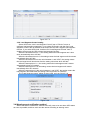
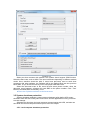
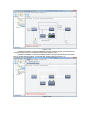
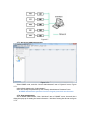
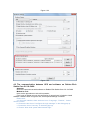
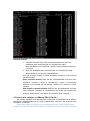
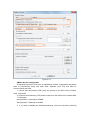
Figure 3.6.5
If the remote computer accepts remote control, select computer node, click “Act as
Administrator” item of “System” menu to become software administrator, user can view
UPS detail information, and also can configure remote UPS parameter setting, remote
computer shutdown, and notification methods.
If the remote computer doesn’t accept remote control, select the remote computer
node, you will find “Act as Administrator” item of “System” menu is grey, user can’t
become software administrator, only can view UPS detail information, but can’t configure
remote UPS parameter setting, remote computer shutdown, and notification methods.
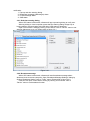
3.7 SNMP centralized monitoring
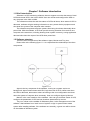
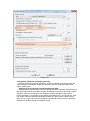
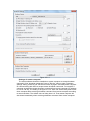
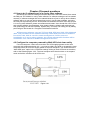
The SNMP centralized monitoring function can monitor the status of UPS with SNMP
card located in different regions. Even if user is thousands of miles away, when the
abnormal event of UPS happens, software will inform user of the abnormal event by
sending broadcast message, SMS, E-mail, pop-up warning dialog. Thus, user can keep
abreast of UPS status and prevent the damage caused by UPS abrupt shutdown.
Notice: software only can monitor the status of UPS with SNMP card, it can’t shut
down UPS output and shut down computer. When user wants to control UPS or protect
computer, please refer to the user manual of SNMP card to learn the setting.
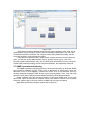
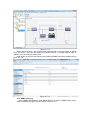
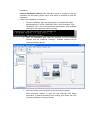
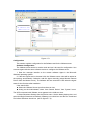
Application architecture diagram, please refer to figure 3.7.