1
User manual - DATA RECORDER SRD-99 and cooperating software
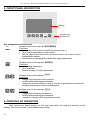
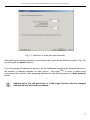
5. FRONT PANEL DESCRIPTION
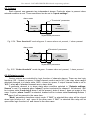
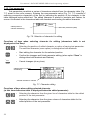
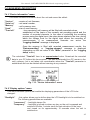
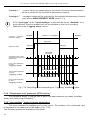
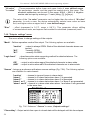
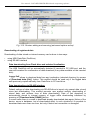
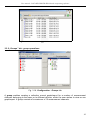
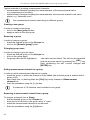
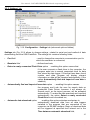
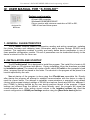
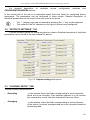
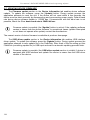
display
ESC
MENU
ENTER
programming
pushbuttons
Key designation and functions
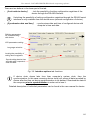
ESC
Symbols used in the manual: [ESC/MENU]
MENU
Functions:
• go to main menu (press and hold by at least 2 sec.),
• go to result presentation modes menu,
• exit the current level and return to previous menu (or to one of result
presentation modes),
• cancellation of changing the edited data logger parameter.
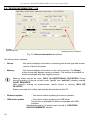
ENTER
Symbols used in the manual: [ENTER]
Functions:
• start editing parameter,
• go to submenu,
• confirm change of edited parameter.
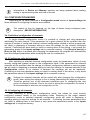
Symbols used in the manual: [<] [>]
Functions:
• change the horizontal cursor position,
• modify edited data logger parameter
• change of channel number in one of four result presentation modes and
during measurement channel configuration.
Symbols used in the manual: [^] [v]
Functions:
• change the vertical cursor position,
• modify edited data logger parameter,
• change of channel result presentation mode.
6. PRINCIPLE OF OPERATION
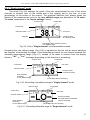
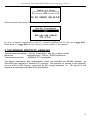
After turning the power supply on, the logo and basic unit data are showed on the
display, then the unit goes to the measurement mode.
18