1
NeoGate TA FXS Gateway User Manual
Part II. Basic Operations
Here are instructions about how to operate on analog phones connected to NeoGate TA to
use some features.
1. Inter-port Call
NeoGate TA supports inter-port calls between the phones which are connected to FXS
ports of NeoGate TA. Achieve it by simply pressing the "Internal Call Extra" feature code
(default *99) + the FXS port number on the phone.
Note: You need add digit 0 before the FXS port number if the port number is between 1
and 9.
For example, to make a call from the phone which is connected to NeoGate TA FXS port 1
to another phone which is connected to FXS port2, you need to dial *9902 on the phone.
The user connected to port 16 can be reached by dialing *9916 on the phone.
2. Call Hold
An active call can be held by pressing "flash" key on the analog phone. Press the key again
to resume the call.
If there is no "flash" key on the phone, you can use "hook flash" (quickly toggle on-off
hook) to hold a call. The call may be disconnected by chance if using "hook flash".
3. Call Waiting
If the call waiting is activated for the FXS port, the FXS user who is in a call can hear a call
waiting tone "beep" when there is a new incoming call. The user can press "hook flash" to
toggle between the active call and the incoming call.
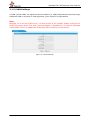
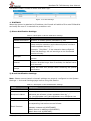
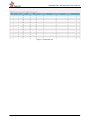
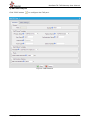
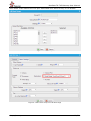
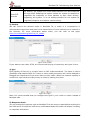
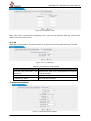
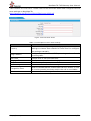
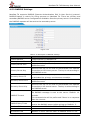
Figure 1-1 Enable "Call Waiting" on FXS Port Page
http://www.yeastar.com
51/52