1
Wayfinding Pro Plotter Manual
Route Tester Tool
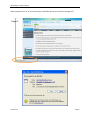
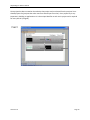
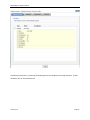
The route test tool can be reached by either clicking on the Route Tester Tool or by clicking on the Test
Route speed button at the bottom of the tool bar.
To use the route test tool you will use BOTH mouse buttons.
1. LEFT-click on the start point
2. RIGHT-click on the destination.
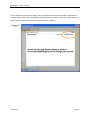
The route will appear. To change the color of the route, use the Display Setting option on the main tool
bar and change the Route Attributes.
Edit Waypoint / Path Tool
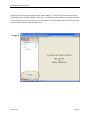
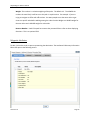
The Edit Waypoint / Path Tool defines all of the attributes with regard to Waypoints (destinations) and
the paths between destinations. When the user hovers the mouse over a waypoint or path, a tooltip
with information (name, passable/not passable) about that item will display.
Path Attributes
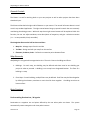
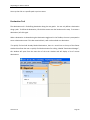
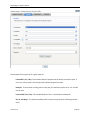
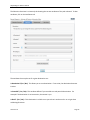
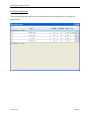
To edit a path, click on the line representing the path to open the Attributes Editor. The
following screen will appear:
Version 2.01
Page 21