1
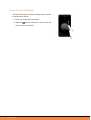
Setting the quality factor
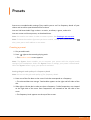
Setting the Parrot Concert Hall effect
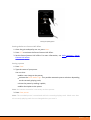
1. Once the gain and quality are set, press Next.
2. Press OFF to activate the Parrot Concert Hall effect.
3. Set the Parrot Concert Hall effect. For more information, see Audio settings > Parrot
Concert Hall effect.
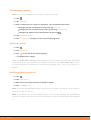
Saving a preset
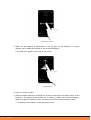
1. Press Save.
2. Type the name of your preset.
You can also :
add a cover image to the preset;
activate the Smart Audio Tags. They enable automatic preset selection depending
on the currently playing track;
share the preset by making it public;
add a description to the preset.
Note: An internet connexion is necessary to share presets.
3. Press Save preset.
Note: The recorded preset is associated with the currently playing track. Make sure that
the currently playing track has not changed when you save it.
Presets
11