1
User Manual
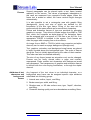
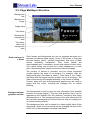
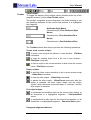
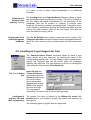
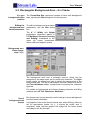
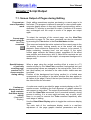
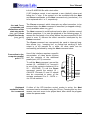
Vertical shift of
characters with
respect to the
baseline:
Baseline shift
Alt
Alt
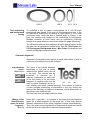
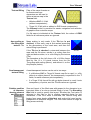
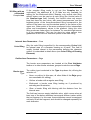
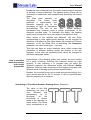
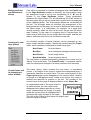
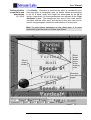
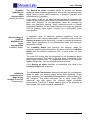
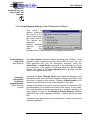
Vertical shift of the input characters with respect
to the base line can be used to produce
underscript (positive shift) or superscript
(negative shift) characters.
The shift size is measured in pixels, the field can have an empty
indefinite value.
Changing of the vertical alignment with respect to the base line does
not influence the line height (automatically calculated along with the
paragraph line spacing) as far as shifted characters do not reach its
top or bottom border. Further shift further increases the line height
accordingly, but it can be adjusted, by changing the Leading
parameter in the paragraph attributes (the Paragraph Attributes
dialog box).
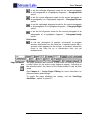
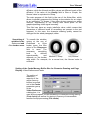
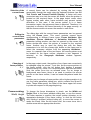
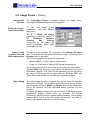
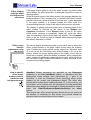
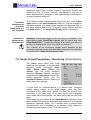
The line adjustment for a text fragment can be conveniently tuned
by pressing Alt+↑ and Alt+↓.
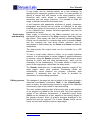
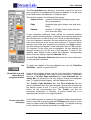
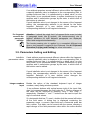
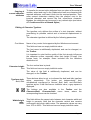
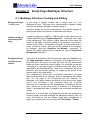
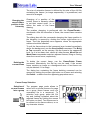
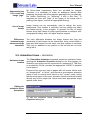
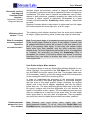
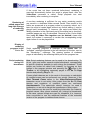
Character and Box Frame Design Elements
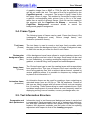
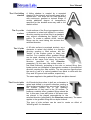
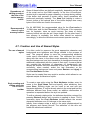
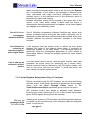
Outline
(Edge)
Internal area
(Face)
3D surface
or shadow
(Shadow)
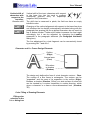
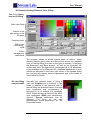
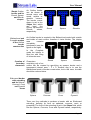
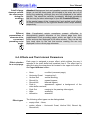
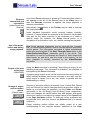
The design only defines the form of a text character contour – Face.
The contour of a Box frame is rectangular. The contour can be
"expanded" and the area of its expansion is the outline (Edge).
Besides, a shadow (Shadow, Offset) or a side surface of some sort
can be created by a contour translation in certain direction, which
gives a character or a frame a three-dimensional look (Shadow,
3D).
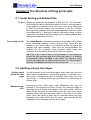
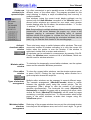
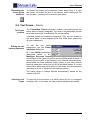
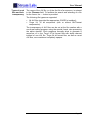
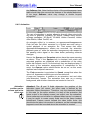
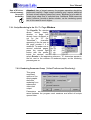
Color Filling of Drawing Elements
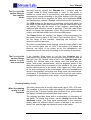
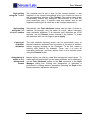
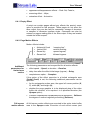
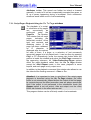
Filling color
selection in the
Colors dialog box
Page 43