1
Chapter 6. OPERATION
6-2
Switching the Basic Display
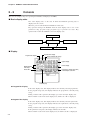
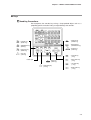
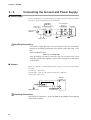
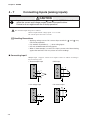
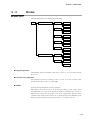
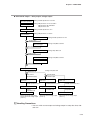
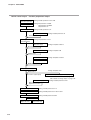
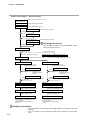
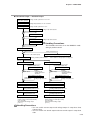
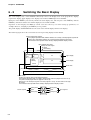
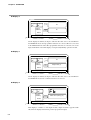
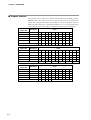
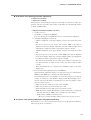
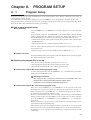
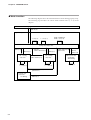
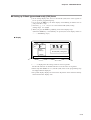
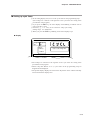
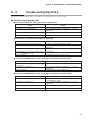
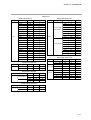
The “basic display state” of the DCP302 collectively refers to the display state of the program No. display,
segment No. display, upper display, lower display, basic indicator LED lamps and event LEDs.
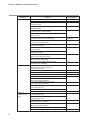
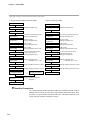
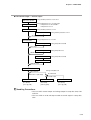
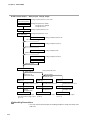
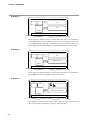
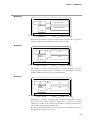
Each press of the DISP key successively switches the basic display state, and each press of the DISP key with the
FUNC key held down switches the channel displays between CH1 and CH2.
Operation of other displays and LEDs is carried out in the same way even when setting up parameters, for
example. However, switching by the DISP key is not possible.
The profile display and AT LED indicates the status of the channel displayed in the basic display.
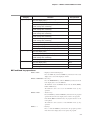
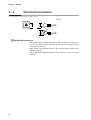
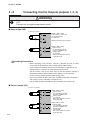
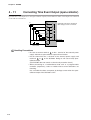
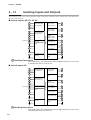
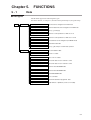
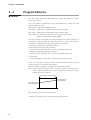
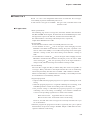
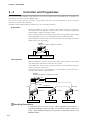
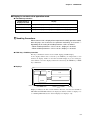
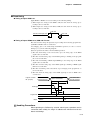
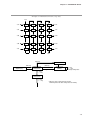
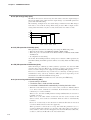
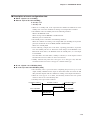
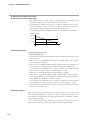
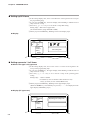
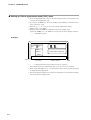
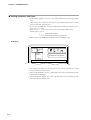
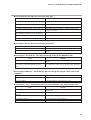
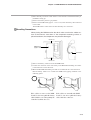
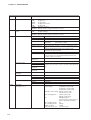
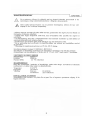
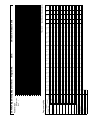
The following figure shows the conventions used for representing displays in this manual.
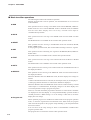
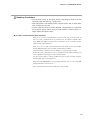
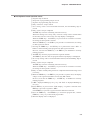
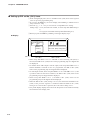
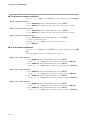
Program/segment No. Display
In the program operation mode, READY indicates the currently selected program/segment No.
Displays other than READY indicate the currently operating program/segment No.
In the constant-value operation mode, nothing is displayed and this display is blank.
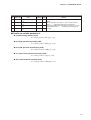
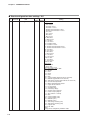
Basic indicator LED lamps
Displays the LED to light
LED lit
LED blinking
PROG
SEG
Program
No.
Segment
No.
Pattern
tendency
PV
SP
OUT
TM
CYC
CH1
CH2
PV
Upper display
SP
Lower display
PROFILE
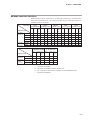
Output states of events 1 to 3, time events 1 to 5
Event LEDs
Supplementary explanation
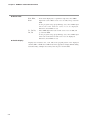
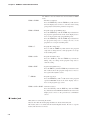
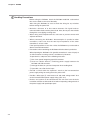
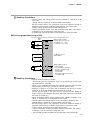
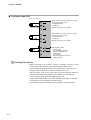
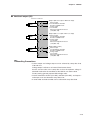
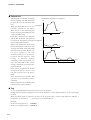
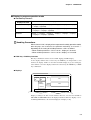
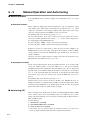
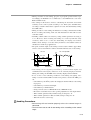
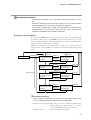
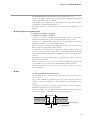
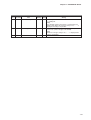
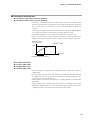
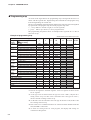
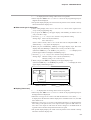
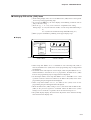
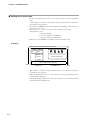
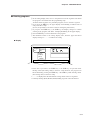
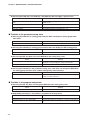
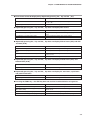
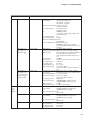
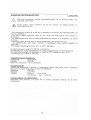
Profile Display
Displays the program status of the displayed channel.
In the program operation mode, the profile is displayed only when the program has been set up.
The profile is not displayed when the program is not set up.
When there is no subsequent segment even if the program is set up, the three LEDs on the right
do not light.
In the constant-value operation mode, nothing is displayed and this display is blank.
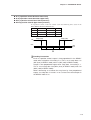
Current segment
Falling ramp
Rising ramp
Soak
Soak
Rising ramp
Falling ramp
PROFILE
6-2
Next segment