1
FDL File Creation Utilities
G.2
Operation
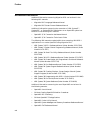
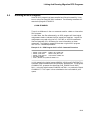
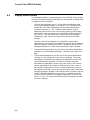
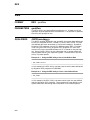
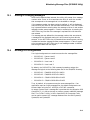
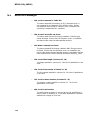
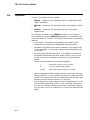
The FDL File Creation Utilities include:
•
IDXFDL - Creates an FDL description file for a single-keyed, fixedlength, indexed file.
•
RELFDL - Creates an FDL description file for a fixed-length, relative
file.
•
SEQFDL - Creates an FDL description file for a fixed-length,
sequential file.
The utilities are located in the S3X$RPG directory in the Migration
RPG Compiler Kit and the S3X$TOOLS directory in the OpenVMS S/3X
Conversion Tools Kit. The FDL File Creation Utilities share the following
features:
— If the utility is invoked and no parameters are included on the
command line, prompts will be displayed for the missing data.
— Parameters are positional and must be entered in their proper order.
If a null parameter ("") is entered, a prompt will be displayed for the
missing data.
— No editing of the data entered occurs. It is important to review the
parameters entered when the utility displays them. If they are not
correct, they may be re-entered by entering "N" at the verification
prompt.
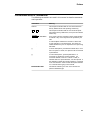
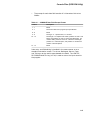
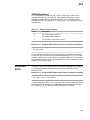
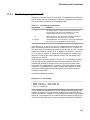
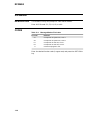
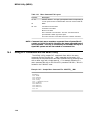
— To exit the utility, select one of the following options:
Y
Normal end-of-job exit; .FDL file created.
N
To re-enter data at display prompts.
CTRL/Z
Normal end-of-job exit; .FDL file not created.
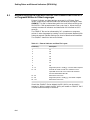
— When the appropriate data has been entered and the utility has been
exited by entering "Y" at the verification prompt, an output file will be
created. The output file will have the name of the data file which was
entered by the user and will have an .FDL file type.
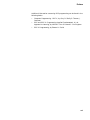
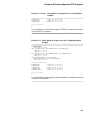
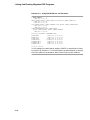
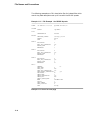
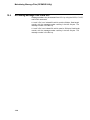
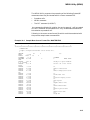
— A final review of the newly created FDL file is recommended. The file
may be viewed by entering the DCL "TYPE" command. Because the
.FDL file is a text file, it may also be viewed or modified by invoking
the FDL editor (EDIT/FDL filename.FDL) or one of the OpenVMS text
editors.
G–2