1
Drivers & Utilities
Driver Installation
4
1.
2.
3.
4.
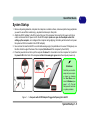
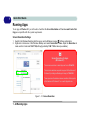
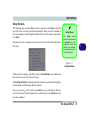
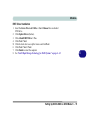
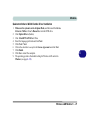
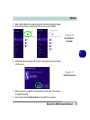
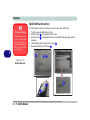
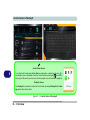
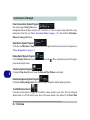
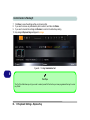
Insert the Device Drivers & Utilities + User’s Manual disc into an attached DVD drive.
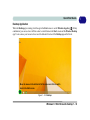
Click the message “Tap to choose what happens with this disc.”
Click Run autorun.exe.
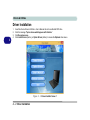
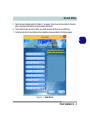
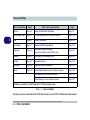
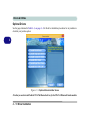
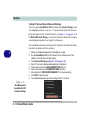
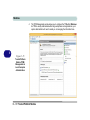
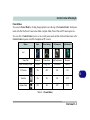
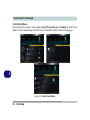
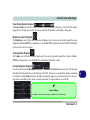
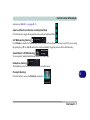
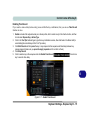
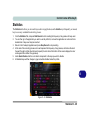
Click Install Drivers (button), or Option Drivers (button) to access the Optional driver menu.
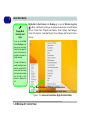
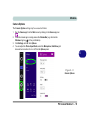
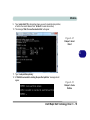
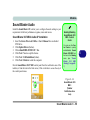
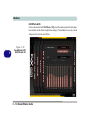
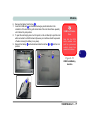
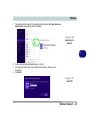
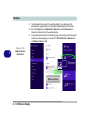
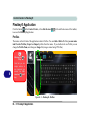
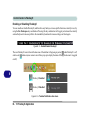
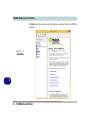
Figure 4 - 1 - Drivers Installer Screen 1
4 - 2 Driver Installation