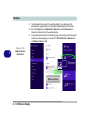
1
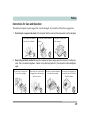
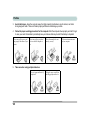
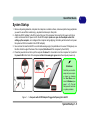
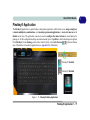
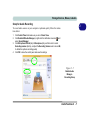
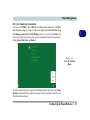
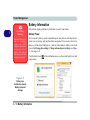
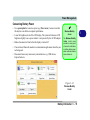
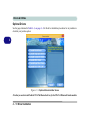
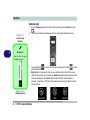
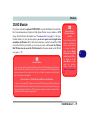
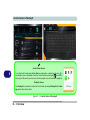
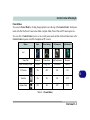
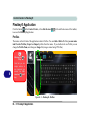
Storage Devices, Mouse, & Audio 2 Touchpad Cleaning In order to improve pad performance it is necessary to keep the surface clean and free of fingerprints and marks etc. Use a soft dry cleaning cloth to keep the pad surface clean. Touchpad and Buttons/Mouse The Touchpad is an alternative to the mouse; however, you can also add a mouse to your computer through one of the USB ports. The Touchpad buttons function in much the same way as a two-button mouse. Touchpad Sensitivity The mouse button zones at the bottom of the pad measure about 15mm from the bottom of the pad, and the left and right buttons are divided roughly down the middle as illustrated below. Press the left button zone for a left click, and right button zone for a right click action. Disabling the Pad Use the Fn + F1 or Control Center button to disable the Touchpad. Figure 2 - 6 Touchpad Sensitivity Mouse Driver If you are using an external mouse your operating system may be able to auto-configure your mouse during its installation or only enable its basic functions. Be sure to check the device’s user documentation for details. 2 - 8 Touchpad and Buttons/Mouse