1
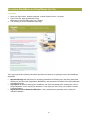
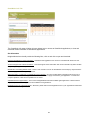
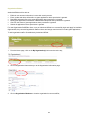
Existing User Login
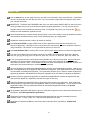
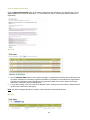
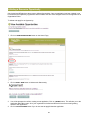
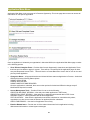
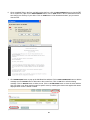
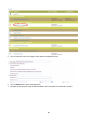
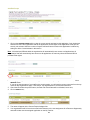
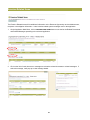
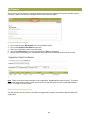
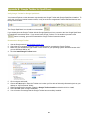
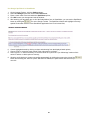
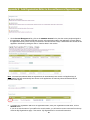
1. On the Login box, enter your user name (not case sensitive)
2. Enter your password (not case sensitive)
3. Click on LOGIN button.
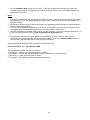
Note: 3 failed login attempts will lock the user’s account and the user will not be allowed access to GrantWorks.
System will allow user to login after 15 minutes.
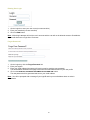
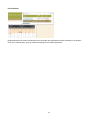
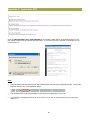
Forgot Password?
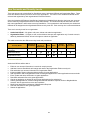
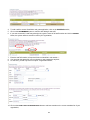
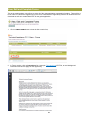
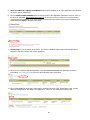
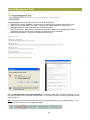
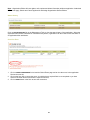
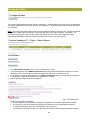
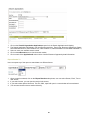
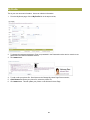
1. On the Login box, click the Forgot Password link
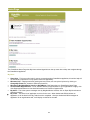
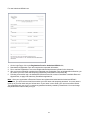
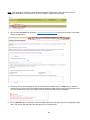
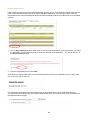
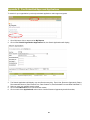
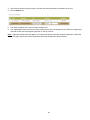
2. Enter your loginID
3. Enter your email address (the system will use this email to send the new password)
The email address entered on this page must match the email address listed in your user profile
4. Click on the RESET MY PASSWORD AND EMAIL ME THE NEW ONE button.
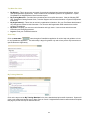
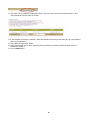
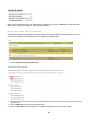
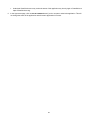
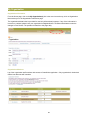
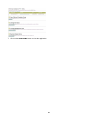
The new password will be generated and sent to your email address
Note: You will be prompted with a message if your loginID and/or your email address does not exist in
GrantWorks.
9