1
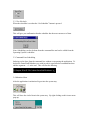
4.1.3 File type selection
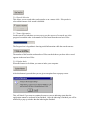
To select a file type all that needs to be done is to click on the file type you would like to
index.
Now these and only these file types will be searched.
4.1.4 Clearing the Query Box
Clicking on the ‘Clear Query Box’ box can erase a word in the query box.
4.1.5 Search Type Selection
There is the choice of searching on keystroke and searching with a mouse click.
Searching on keystroke can be turned by checking the box.
4.1.6 Updating the Index
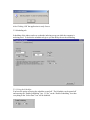
To index the documents on the hard drive(s) the ‘Update Index’ button.
This will bring up the option to cancel or continue.