1
Menu of the M/P (Media Player)
• Connect USB & SD card devices
1. Connect USB & SD card devices to USB slot
which are on the slide of the monitor set.
• Removing the USB & SD card devices
from Monitor
1. Return to main menu and press ESC.
2. Remove the USB & SD card devices from
Monitor.
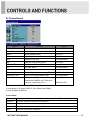
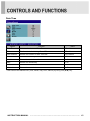
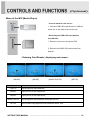
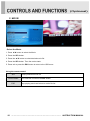
- Entering Card Reader, displaying main menu.
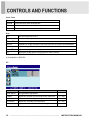
[MUSIC]
[MOVIE]
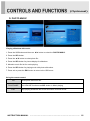
Option
Displaying photo and slideshow.
MUSIC
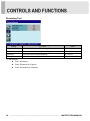
Playing music in the USB device.
MOVIE
Playing movie in the USB device
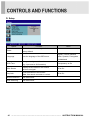
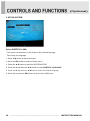
SETUP
[SETUP]
Function
PHOTO
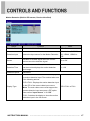
MUSIC PHOTO
[MUSIC PHOTO]
Displaying photo and slideshow with playing music.
Select subtitle language and photo slideshow effect, time.
INSTRUCTION MANUAL ………………………………………………………………………. 19