1
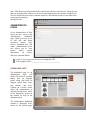
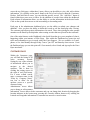
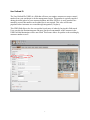
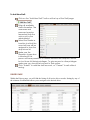
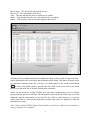
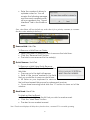
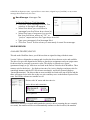
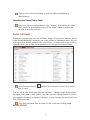
If the Status Field displays “En Route” for a delivery, then the Time Field will indicate the Estimated Time of Arrival (ETA) for that delivery. If the Status Field displays “Delivered” for a delivery, then the Time Field will indicate the actual time of delivery. Sorting the Dealer Invoice Table: Click on the column heading to sort the table ascending or descending. Searching the Dealer Invoice Table: Type any piece of information in the “Search” box below the table that would be populated in any of the table’s fields to refine the search to specific records. DEALER PICKUPS The Dealer Pickups Tab displays the pickups for the current day. information can be viewed in this table: Invoice Number Purchase Order Number Source Customer Address Amount Ordered At Pickup Notes Time Status Signer Sorting the Dealer Pickup Table: 50 The following