1
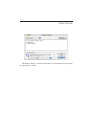
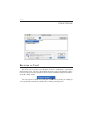
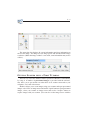
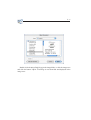
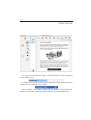
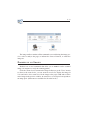
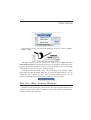
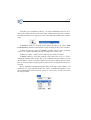
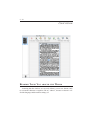
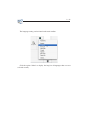
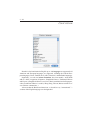
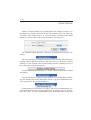
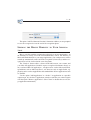
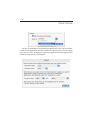
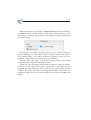
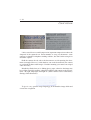
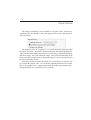
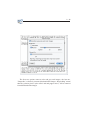
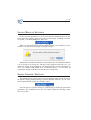
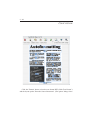
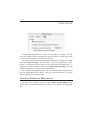
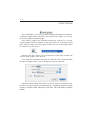
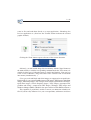
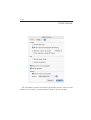
2 - 80 scans in files and send them directly to a target application - Photoshop, the Preview application etc. (Note how the "Format" button indicates the selected graphic format!) Clicking the "Send" button exports all scans of the current document. Obviously, you can load the image files into memory with the "Open" button on the main toolbar (or with the corresponding command under the "File" menu). Or double-click the icon of a Readiris image to load it into Readiris. (You can even select several of Readiris image files and execute a double-click to load them into memory simultaneoulsy...) Color, greyscale and black-and-white images are supported on an equal basis: Readiris allows you to open FlashPix images, GIF images, JPEG images, MacPaint images, Photoshop images, PICT images, PNG images, QuickDraw GX images, QuickTime images, Silicon Graphics images, Targa images, (uncompressed, packbits and Group 3 compressed) TIFF images, multipage TIFF images and Windows bitmaps (BMP). (Readiris also opens Adobe Acrobat PDF documents.) This capability is particularly useful to convert your faxes into editable text files! If you have any influence over your correspondents, ask them to send faxes