1
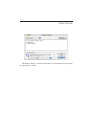
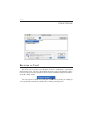
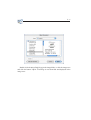
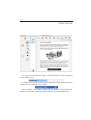
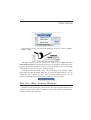
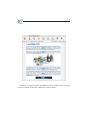
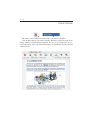
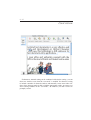
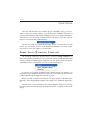
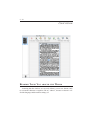
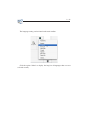
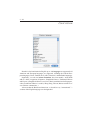
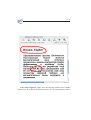
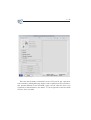
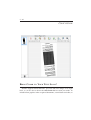
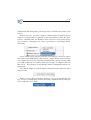
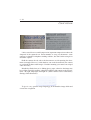
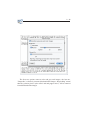
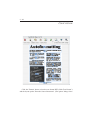
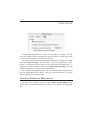
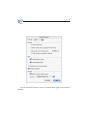
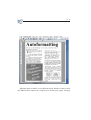
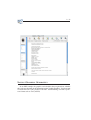
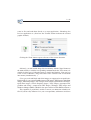
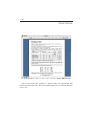
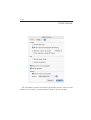
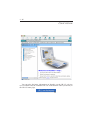
2 - 77 USERS GUIDE Still, with Readiris, you can save graphics without performing text recognition. As Readiris supports black-and-white, greyscale and color images, you can capture lineart graphics and photographs. How? Draw a graphic zone around the illustrations, cartoons etc. you need. Creating graphic windows manually is done in the same way as drawing text and table windows, simply select the graphic window tool now on the image toolbar (or under the "Layout" menu). Similar to the other window types, the status bar of the image window tells you how many graphic zones there are. Next, choose the command "Save Page As" under the "File" menu and enable the option "Graphics Only". You are prompted to specify a filename. Determine which graphic file format you will use. Select a format thats supported by your paint or photo retouching software. A multitude of popular graphic formats is available: JPEG, Photoshop, PNG, PICT, TIFF and Windows bitmaps (BMP).