1
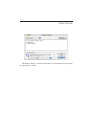
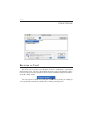
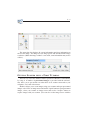
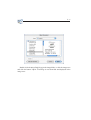
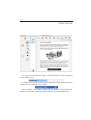
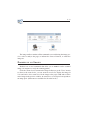
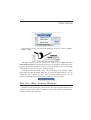
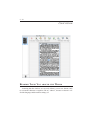
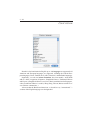
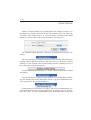
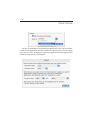
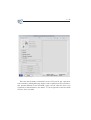
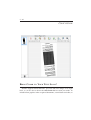
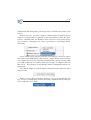
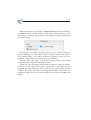
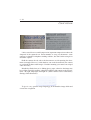
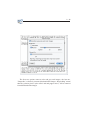
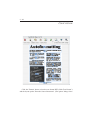
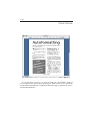
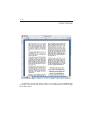
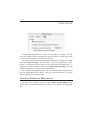
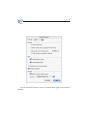
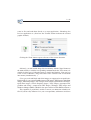
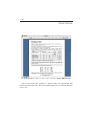
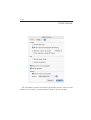
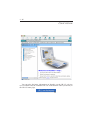
2 - 40 But theres a more efficient way of recognizing several pages than scanning and OCRing them one after the other: processing multipage documents directly! To scan a document composed of several pages in one operation, enable the document feeder of your scanner. Study the Photoshop plug-in or Twain driver of your scanner to see how this works. Place the pages of your document in the automatic document feeder and start the scanning. You can also open multiple prescanned images. To load several images, select the first image and hold down the Command key as you select additional images. To load a continuous range of images, select the first image and hold down the Shift key as you select the last image.