1
Table of Contents
Table of Contents
Product Overview................................................................................. 3
Package Contents.......................................................................... 3
System Requirements.................................................................. 3
Introduction.................................................................................... 4
Features............................................................................................. 5
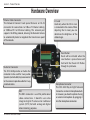
Hardware Overview...................................................................... 6
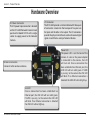
Hardware Overview...................................................................... 7
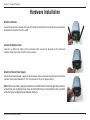
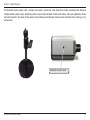
Hardware Installation................................................................... 8
Software Installation..................................................................10
Configuration........................................................................................17
Setup Wizard Configuration....................................................17
Web-based Configuration Utility...........................................21
Live Video.......................................................................................22
Camera....................................................................................22
Setup................................................................................................23
Wizard......................................................................................23
Internet Connection Setup Wizard................................23
Motion Detection Setup Wizard.....................................27
Network Setup......................................................................30
Wireless Setup.......................................................................32
Dynamic DNS........................................................................33
Image Setup..........................................................................34
Audio and Video...................................................................35
Motion Detection................................................................37
Time and Date.......................................................................38
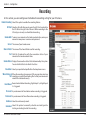
Recording...............................................................................39
D-Link DCS-3430 User Manual
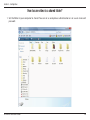
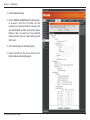
How to save video to a shared folder?.........................40
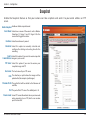
Snapshot.................................................................................42
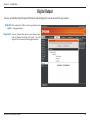
Digital Output.......................................................................43
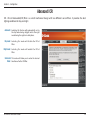
Advanced ICR........................................................................44
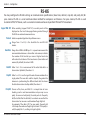
RS-485......................................................................................45
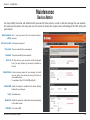
Maintenance.................................................................................46
Device Admin........................................................................46
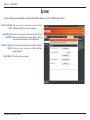
System.....................................................................................47
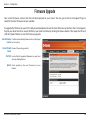
Firmware Upgrade...............................................................48
Status...............................................................................................49
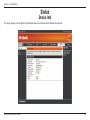
Device Info.............................................................................49
Logs..........................................................................................50
Help..................................................................................................51
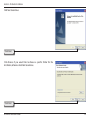
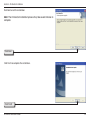
D-ViewCam Installation.....................................................................52
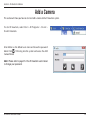
Add a Camera................................................................................55
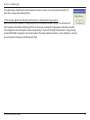
Troubleshooting..................................................................................60
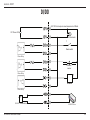
DI/DO.......................................................................................................63
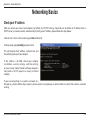
Networking Basics...............................................................................65
Check your IP address................................................................65
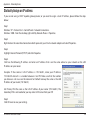
Statically Assign an IP address................................................66
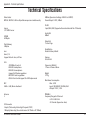
Technical Specifications....................................................................67
2