1
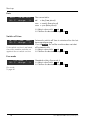
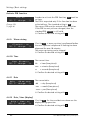
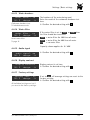
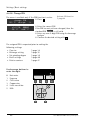
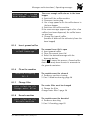
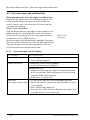
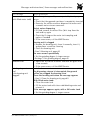
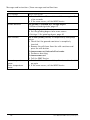
Settings | Basic settings DI_04_03_21 Activate PIN function PIN: no OK: P change: -/+ Change PIN w page 46 In order to activate the PIN function, yes must be set here. The PIN is requested only if the function has been activated here. The standard setting is no . The correct PIN must be entered after activation. If the PIN has not yet been changed, then the standard PIN 00000 is still valid. Confirm the desired setting with DI_04_04_15 4.4.9 Warm rinsing illuminat.: on OK: P change: -/+ If set to yes , a warm-up rinse is performed before the next espresso is dispensed if nothing has been dispensed for over 10 minutes. The warm-up rinsing can be skipped. Confirm the desired setting with DI_04_04_05 4.4.10 Time time hh:mm:ss OK: P change: -/+ The current time. hh = hour (two places) mm = minutes (two places) ss = seconds (two places) Confirm the desired setting with DI_04_04_06 4.4.11 Date date OK: P dd.mm.aaaa change: -/+ The current date. dd = day (two places) mm = month (two places) aaaa = year (four places) Confirm the desired setting with DI_04_04_07 4.4.12 Date / time (display) date / time: on OK: P change: -/+ 44 If set to on , the time and date are shown on the display during operation. Confirm the desired setting with User Manual WMF 1000 S/1000 pro S