1
318
The Laptop DJ Handbook: Setups and Techniques of the Modern Performer
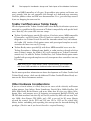
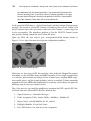
But there are so many controls and only eight macros.…
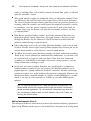
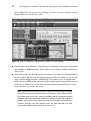
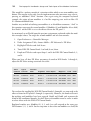
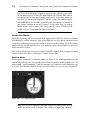
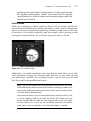
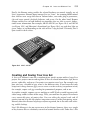
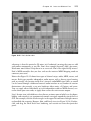
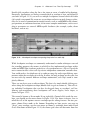
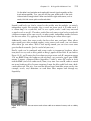
Luckily, one macro can hold several assignments. For example, try assigning delay time
and delay feedback, chorus feedback, and reverb wet/dry to the same macro. Map this
macro to any knob on your MIDI controller, and you have an incredibly powerful
effect for building dance-floor tension using only one movement. Stretch this kind of
behavior across a controller like Novation’s APC40, and you have a seriously devastating combination of sounds.
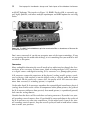
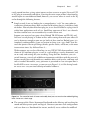
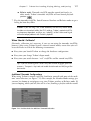
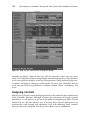
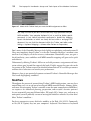
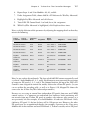
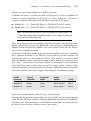
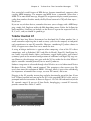
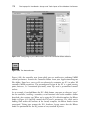
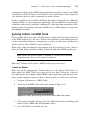
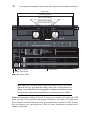
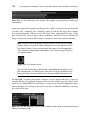
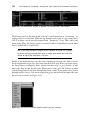
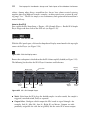
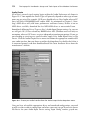
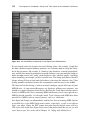
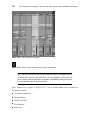
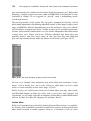
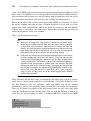
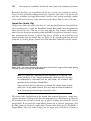
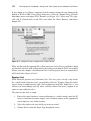
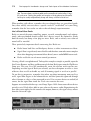
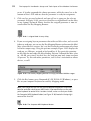
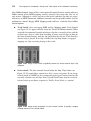
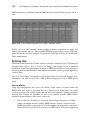
Note: If your macro list becomes unmanageable, click Edit Macro Map within
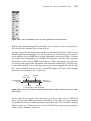
the context menu shown in Figure 12.23. Use this Macro Mappings window to
view and manage all of your macro assignments accordingly.
Regrettably, the depth of what is possible with an instrument/effect Rack goes beyond
Part 1 of this project; however, Part 2 of The Laptop DJ Handbook will dive into the
various ways artists can exploit Racks onstage. Fortunately, Live’s user documentation
provides a healthy description covering what precisely the Rack is. Definitely flip
through it when you have a chance.
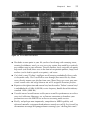
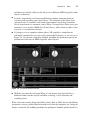
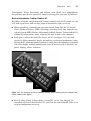
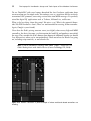
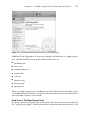
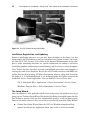
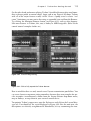
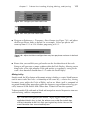
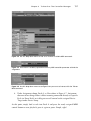
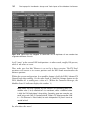
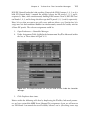
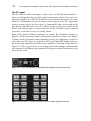
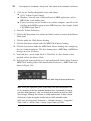
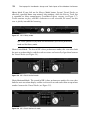
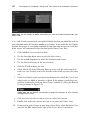
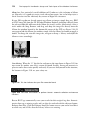
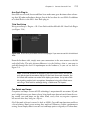
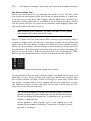
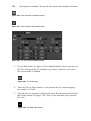
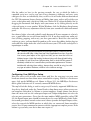
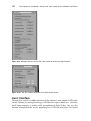
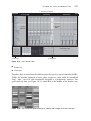
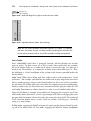
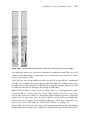
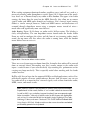
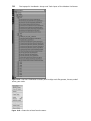
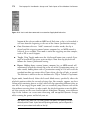
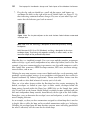
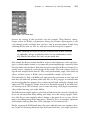
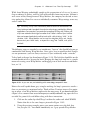
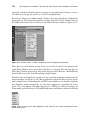
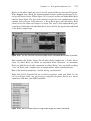
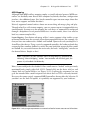
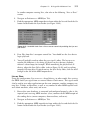
Tip: If you find yourself reusing certain effect chains, simply highlight all of the
effects devices, right-click (OS X: Control-click) on any device header, and
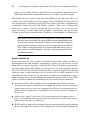
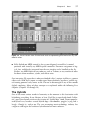
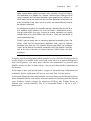
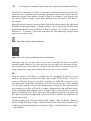
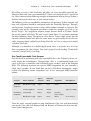
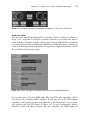
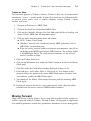
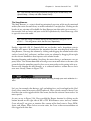
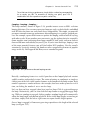
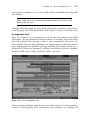
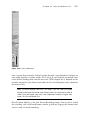
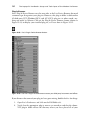
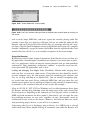
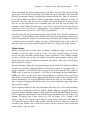
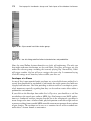
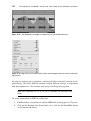
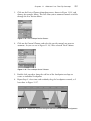
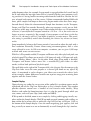
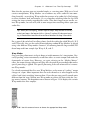
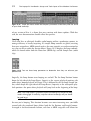
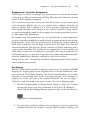
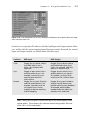
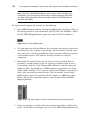
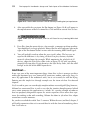
choose Group (see Figure 12.25) from the drop-down context menu. Afterwards, click the Save Preset button (see Figure 12.26) upon the newly created
Audio Effects Rack device. Do this a few times, and you can quickly drop complex effect chains into any of your Live sets.
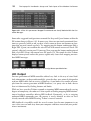
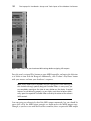
Figure 12.25 Group together effects that you use regularly—it’s a big timesaver.
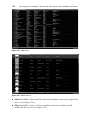
Figure 12.26 The Save Preset button.