1
New Dbvisit Standby installation (3 step process) - Windows
The complete installation and configuration should take less than 30 minutes. Microsoft
Windows or the database does not need to be restarted.
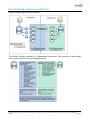
The complete installation and configuration for Windows is a 3-step process. The steps
are:
1. Dbvisit Standby installation (step1) - Windows
2. Configure Dbvisit Standby (step 2) - Windows
3. Create Standby Database (step 3) – Windows
Ensure all Installation Prerequisites are met before continuing with installation. It is
recommended that Dbvisit Standby is installed and run as the Oracle software windows
user (or account).
Windows special note – RAC with Dbvisit Standby installation
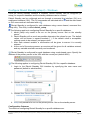
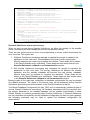
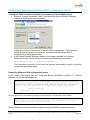
Dbvisit Standby for Windows includes the Bitvise SSH environment with public and private
keys. In order to configure this successfully for RAC to ensure all servers in the
configuration can communicate to each other, please follow these steps:
Assuming RAC has 2 nodes: NodeA and NodeB:
1. Install Dbvisit Standby on NodeA as per installation below including installing the
Bitvise software and configuring SSH2.
2. Install Dbvisit Standby on the standby server as per installation below including
installing the Bitvise software and configuring SSH2.
3. Install Dbvisit Standby on NodeB as per installation including installing the Bitvise
software and configuring SSH2.
4. Do not install Dbvisit Standby on standby server again, even though the Dbvisit
Standby installer instructs to install Dbvisit Standby on the standby server.
5. Copy all the keys from the ssh2 directory on NodeA to the same location on NodeB.
This overwrites all the ssh2 keys from NodeB with the keys from NodeA.
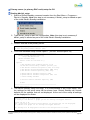
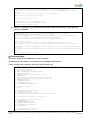
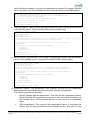
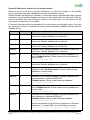
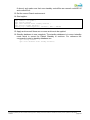
6. Start the Dbvisit Standby console on NodeB. Type in the command:
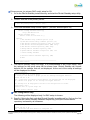
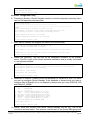
dbv_functions -Y primary setupssh
7. This loads NodeB with the new ssh keys. NodeA and NodeB now have the same
ssh keys, so that they can both make contact with the standby server. This also
ensures that when the servers are reversed the process will continue successfully.
Dbvisit Standby installation (step1) - Windows
RAC environment
In an Oracle RAC environment, Dbvisit Standby must be installed and configured as below
on each primary node in the RAC cluster.
Primary Server (or primary node)
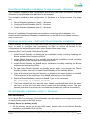
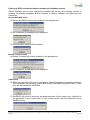
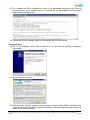
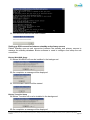
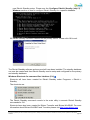
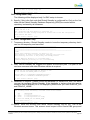
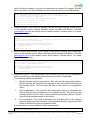
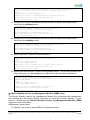
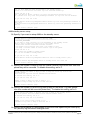
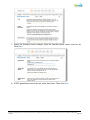
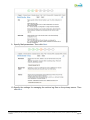
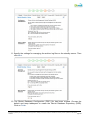
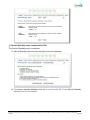
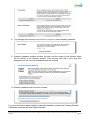
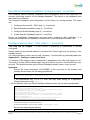
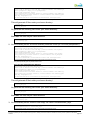
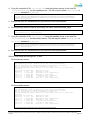
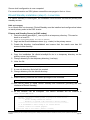
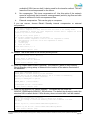
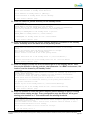
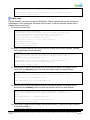
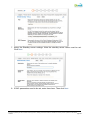
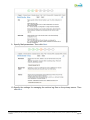
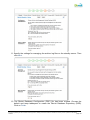
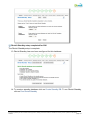
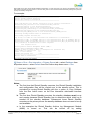
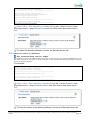
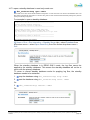
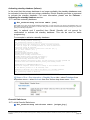
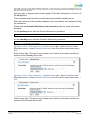
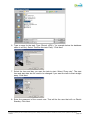
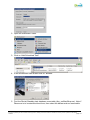
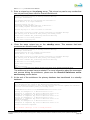
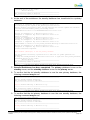
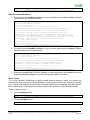
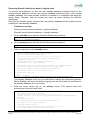
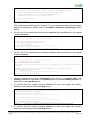
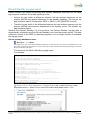
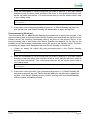
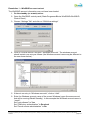
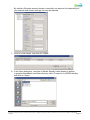
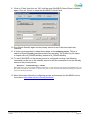
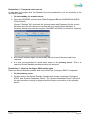
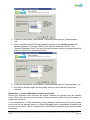
1. On the primary server (or primary RAC node), double click on the Dbvisit Standby
installation executable. Click on Run.
Dbvisit Standby - Installation Guide and User Manual © Copyright Dbvisit Software Limited and Avisit Solutions Limited.
Except as specifically set out the Dbvisit license agreement, nothing in this Documentation constitutes a warranty as to the operation of the Dbvisit
software.
page 34