1
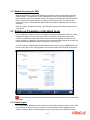
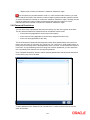
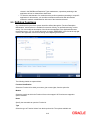
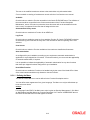
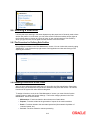
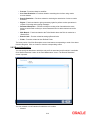
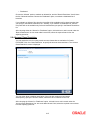
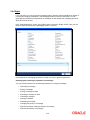
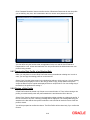
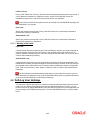
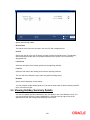
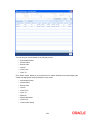
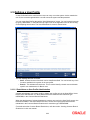
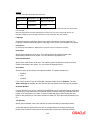
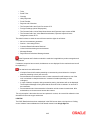
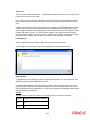
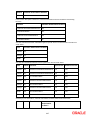
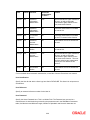
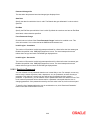
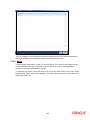
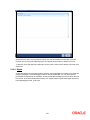
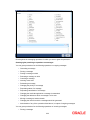
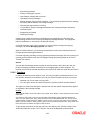
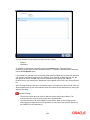
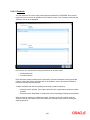
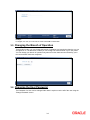
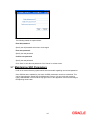
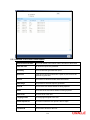
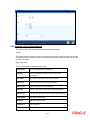
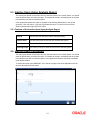
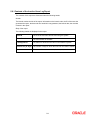
Maximum No of Numeric Characters = Maximum Password Length You can specify any number between 0 and 11 in each of these fields. However, you must ensure that the sum total of the minimum number of alpha characters and the maximum number of numeric characters is less than or equal to the ‘Maximum Password Length’. Similarly, the sum total of the maximum number of alpha characters and the minimum number of numeric characters should be less than or equal to the ‘Maximum Password Length’. 2.2.6 Password Restrictions You can define a list of passwords that cannot be used by any user of the system in the bank. This list, called the Restrictive Passwords list can be defined at three levels: At the bank level (applicable to all the users of the system) At the user role level (applicable for all the users assigned the same role) At the user level (applicable for the user) The list of Restrictive Passwords should typically contain those passwords the users are most likely to use: the name of your bank, city, country, etc. For a user role, it could contain names, or terms, that are commonly used in the department. At the user level, it could contain the names of loved ones, etc. By disallowing users from using such common passwords, you can reduce the risk of somebody other than the user knowing the password. Click ‘Password Restrictions’ button to define restricted passwords at the bank level that should not be used by any user of the bank. To add a password to the ‘Password’ list, click add icon. To select a record in the list use the check box beside it. 2-6