1
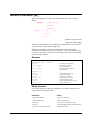
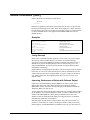
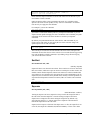
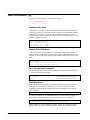
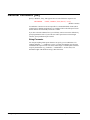
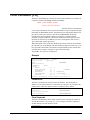
Before Command [B]
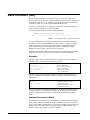
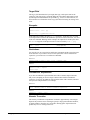
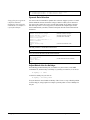
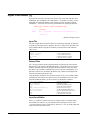
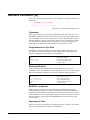
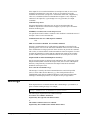
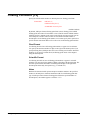
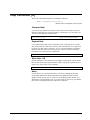
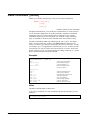
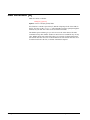
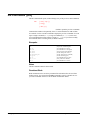
Repeat any combination of the previous 1000 command lines, with or without
editing.
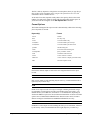
BEFORE
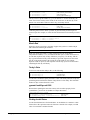
[ start [ / stop ] ]
[ string ]
[ ALL | @ ]
(Default: redo previous line)
(BQ=redo without change)
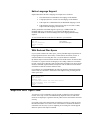
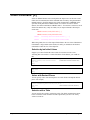
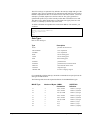
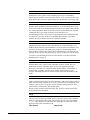
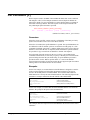
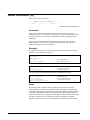
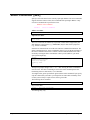
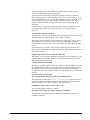
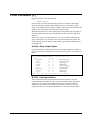
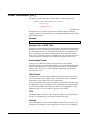
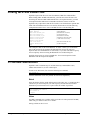
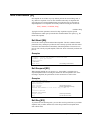
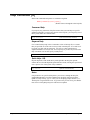
The Before command allows you to modify the commands before it executes them.
If you don't need to change them, use BQ or Do.
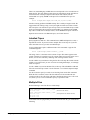
The Before command uses Qedit-style Control characters for modifying the
commands. The default mode is to replace characters. To delete use Control-D, and
to insert use Control-B. If you prefer HP-style modify (D, R, I, and U), use the Redo
command instead of Before.
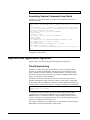
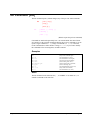
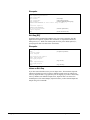
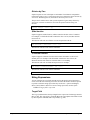
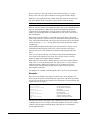
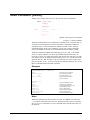
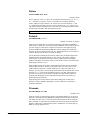
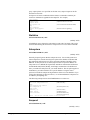
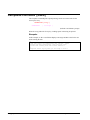
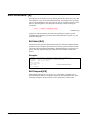
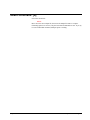
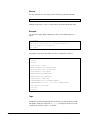
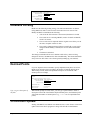
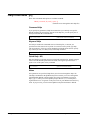
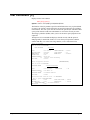
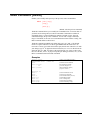
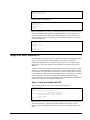
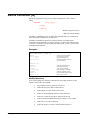
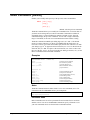
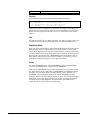
Examples
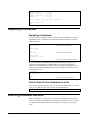
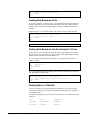
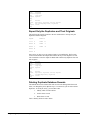
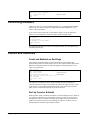
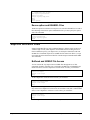
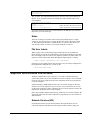
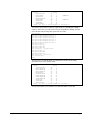
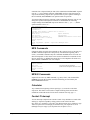
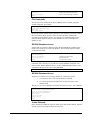
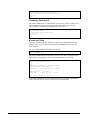
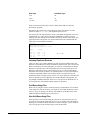
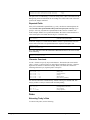
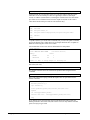
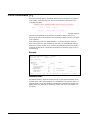
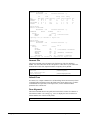
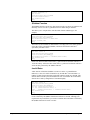
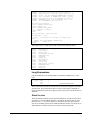
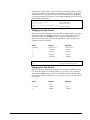
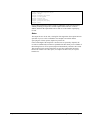
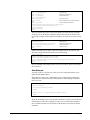
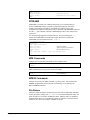
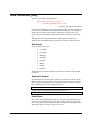
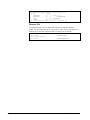
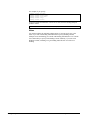
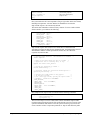
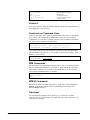
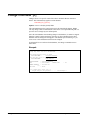
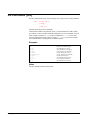
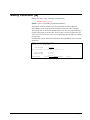
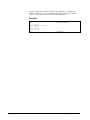
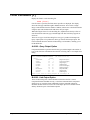
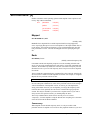
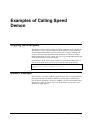
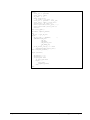
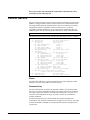
#listf @.soruce
NON-EXISTENT GROUP.
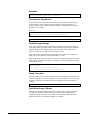
#Before
listf @.soruce
our
listf @.source
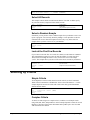
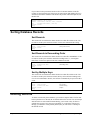
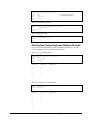
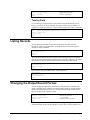
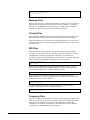
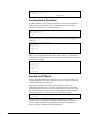
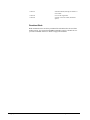
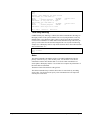
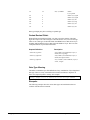
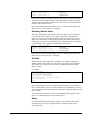
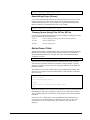
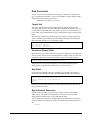
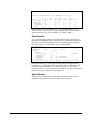
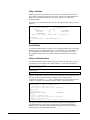
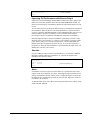
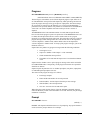
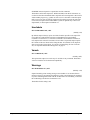
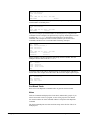
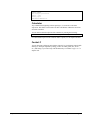
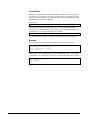
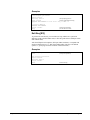
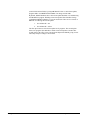
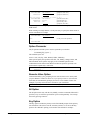
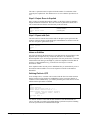
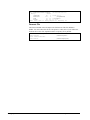
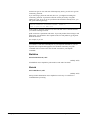
#listredo -10/
#before 5
#bef 8/10
#b listf
#b @temp
#before -2
#before -5/-2
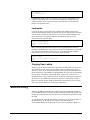
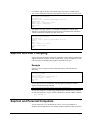
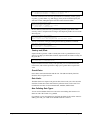
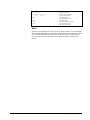
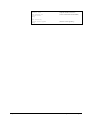
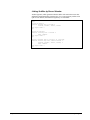
{'source' is not spelled right}
(CIERR 908)
{redo most recent command}
{last command is printed}
{you enter changes to it}
{the edited command is shown}
{you press <return> }
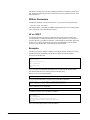
{redo 5th command in stack}
{redo 8th through 10th}
{redo last Listf command}
{redo last containing "temp"}
{redo command before previous}
{redo by relative lines}
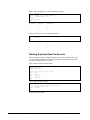
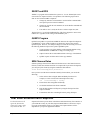
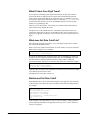
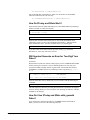
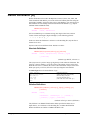
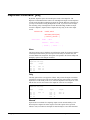
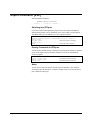
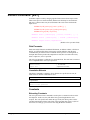
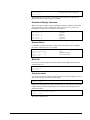
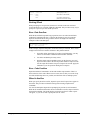
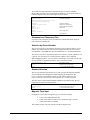
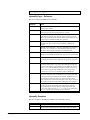
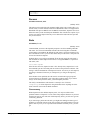
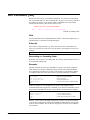
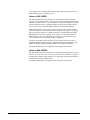
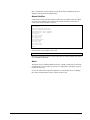
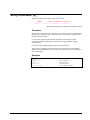
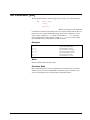
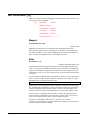
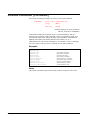
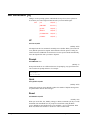
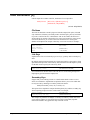
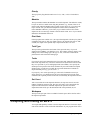
Modify Operators
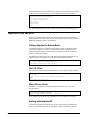
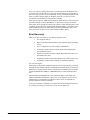
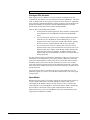
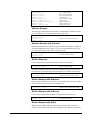
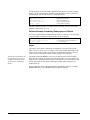
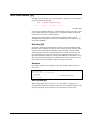
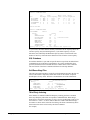
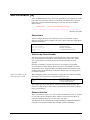
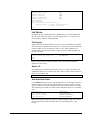
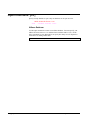
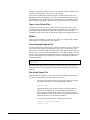
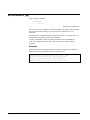
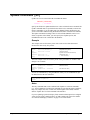
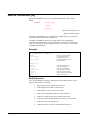
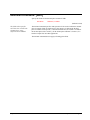
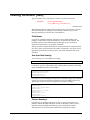
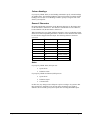
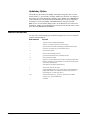
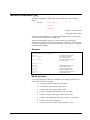
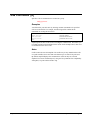
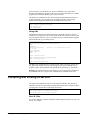
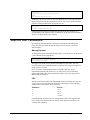
If you wish to change any characters within the line, the modify operators are the
regular Control Codes used in Qedit:
Suprtool 4.6 for HP e3000
•
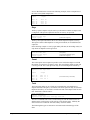
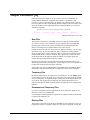
Any printing characters replace the ones above.
•
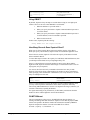
Control-D plus spaces deletes columns above.
•
Control-B puts you into "insert before" mode.
•
Control-A starts appending characters at the end of line.
•
Control-A, Control-D, plus spaces, deletes from the end.
•
Control-T ends Insert Mode, allowing movement to a new column.
•
Control-G recovers the original line.
•
Control-O specifies "overwrite" mode (needed for spaces).
Dbedit Commands • 311