1
Scenario 2. Finding a Venue whe n you know which Centre uses it.
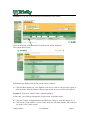
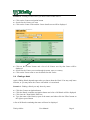
♦ Click on the Centres navigation button
♦ Search for the Centre you want
♦ Click on the Centre Code and the Centre detail screen will be displayed
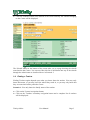
♦ Click on the 'Venues' button and a list of all Venues use d by that Centre will be
displayed.
♦ Search for the Venue you want through its name, town, or country
♦ Click on the Venue name to see the details for that Venue
3.4 Finding a Hotel
Again, finding Hotels depends upon what you know about the Hotel. You may only know
its name, or you may know the Centre with which it is associated.
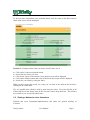
Scenario 1. Finding a Hotel you only know by name.
♦
♦
♦
♦
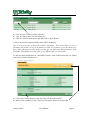
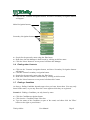
Click the Centres navigation button
Click the Hotels secondary navigation button and a list of all Hotels will be displayed
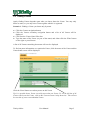
Click into the ' Hotel Name' filter box
Type the name of the Hotel (or part of the name) and either click the 'Filter' button on
the right or press Return
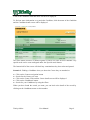
A list of all Hotels containing that name will now be displayed
Trinity Online
User Manual
Page 6