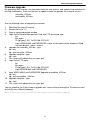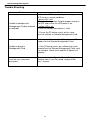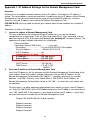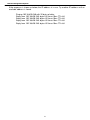
1
Remote Management System
INSTALLATION GUIDE
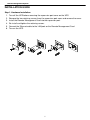
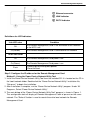
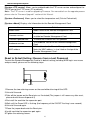
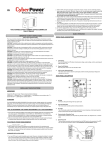
Step 1. Hardware Installation
1. Turn off the UPS before removing the expansion port cover on the UPS.
2. Remove the two retaining screws from the expansion port cover and remove the cover.
3. Install the Remote Management Card into the expansion port.
4. Re-install and tighten the retaining screws.
5. Connect the Ethernet cable to the LAN port on the Remote Management Card.
6. Turn on the UPS.
5