1
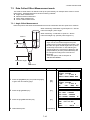
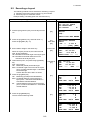
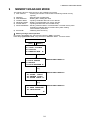
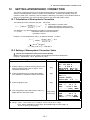
6 SPECIAL MODE (Menu Mode)
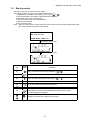
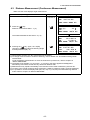
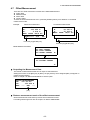
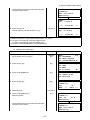
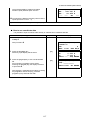
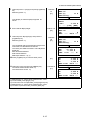
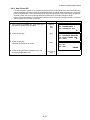
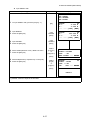
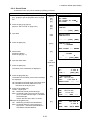
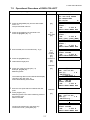
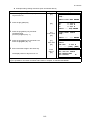
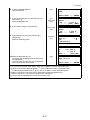
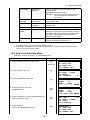
HR: 120°30'40"
HD:
12.345 m
VD:
23.456 m
NEXT ––– ––– CALC
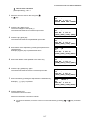
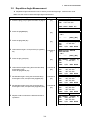
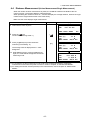
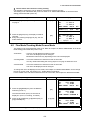
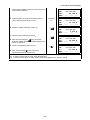
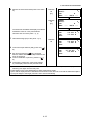
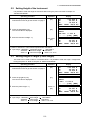
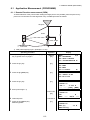
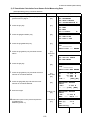
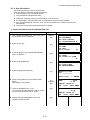
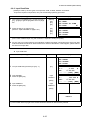
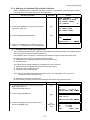
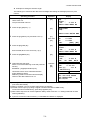
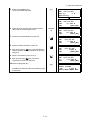
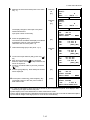
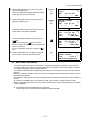
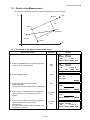
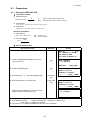
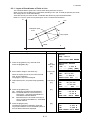
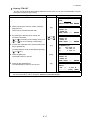
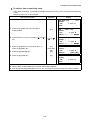
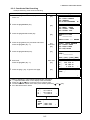
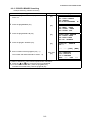
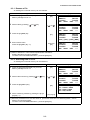
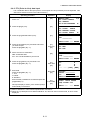
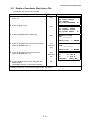
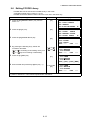
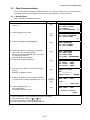
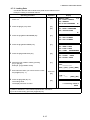
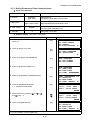
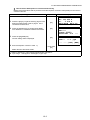
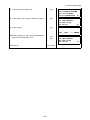
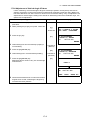
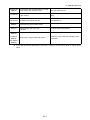
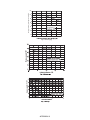
11 Press the [F4](CALC) key.*2)
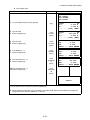
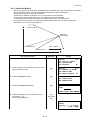
Z : Z coordinate
dZ: Standard deviation
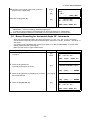
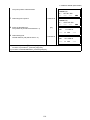
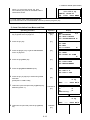
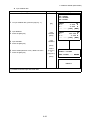
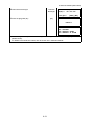
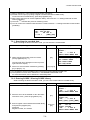
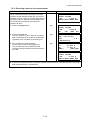
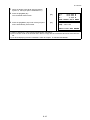
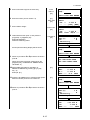
12 Press the [F4](SET) key. *3)
Z coordinate of the occupied point will be set.
[F4]
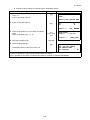
Z COORD. SETTING
Z :
1.234 m
dZ :
0.002 m
––– –––
BS SET
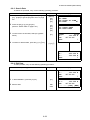
[F4]
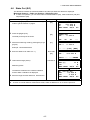
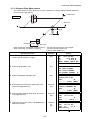
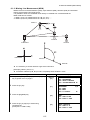
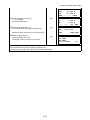
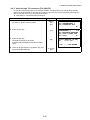
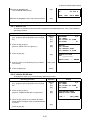
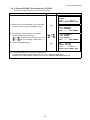
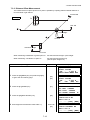
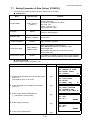
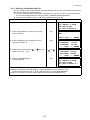
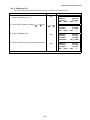
BACKSIGHT
HR: 23°20'40"
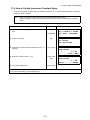
Bascksight point measuring screen will be shown.
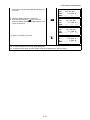
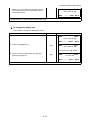
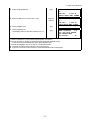
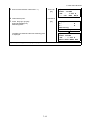
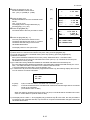
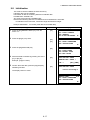
13 Press the [F3](YES) key.
>OK?
[F3]
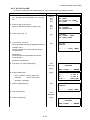
Horizontal angle will be set.
The display returns to Programs 1/2 menu.
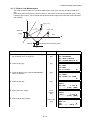
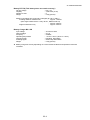
*1) Measurement is Fine N-times measurement mode.
*2) To measure other points, press the [F1](NEXT) key.
*3) Pressing the [F3] key, the display will be changed alternately.
6-10
[YES][NO]
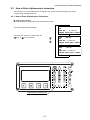
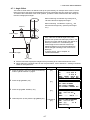
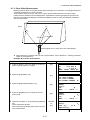
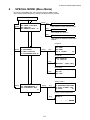
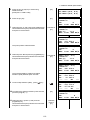
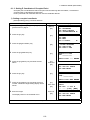
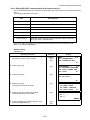
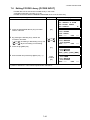
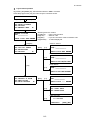
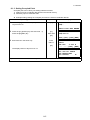
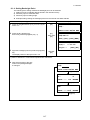
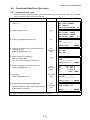
PROGRAMS
F1:REM
F2:MLM
F3:Z COORD.
1/2
P↓