1
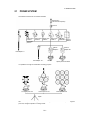
1 NOMENCLATURE AND FUNCTIONS
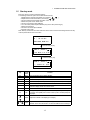
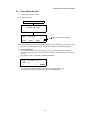
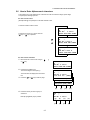
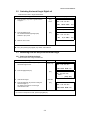
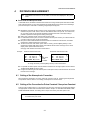
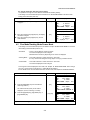
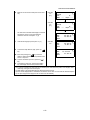
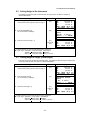
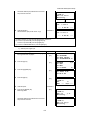
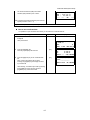
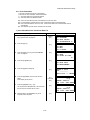
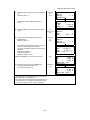
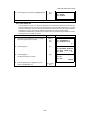
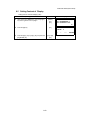
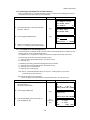
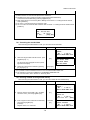
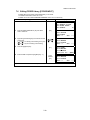
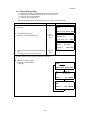
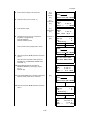
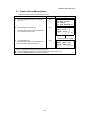
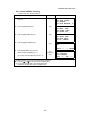
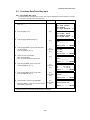
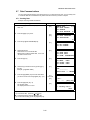
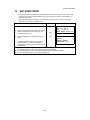
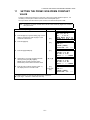
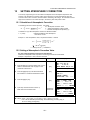
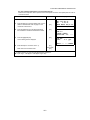
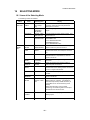
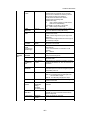
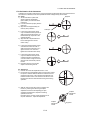
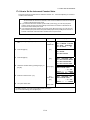
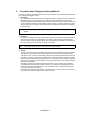
● Adjustment the contrast (0 to 9 ) of the display (CONT)
This enable you to adjust the contrast of the display.
Press the up or down arrow keys to adjust the contrast.
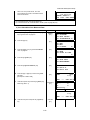
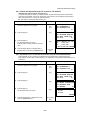
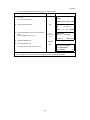
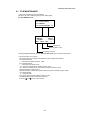
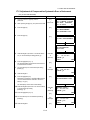
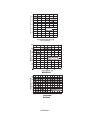
● Adjustment the reticle illumination (1 to 9 ) (RTCL)
This enable you to adjust the reticle illumination.
Press the right or left arrow keys to adjust the reticle illumination.
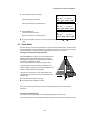
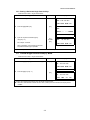
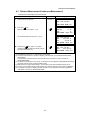
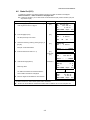
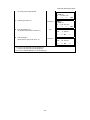
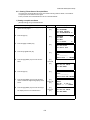
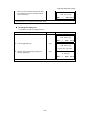
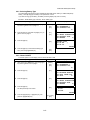
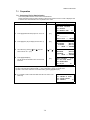
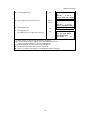
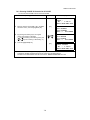
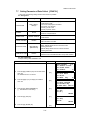
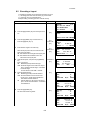
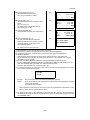
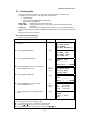
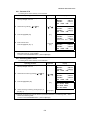
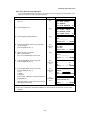
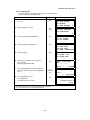
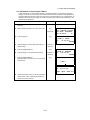
● Turn the display backlight ON/OFF
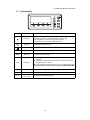
To turn the backlight ON, press the [F1] key. Press [F1] again to turn the backlight OFF.
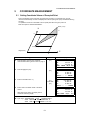
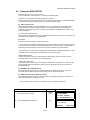
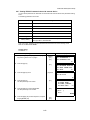
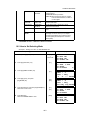
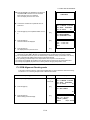
● Switching the non-purism mode/prism mode
To switch the non-prism /prism mode, press the [F2](NP/P) key. For more information, see Chapter
4 “DISTANCE MEASUREMENT” .
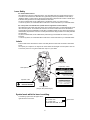
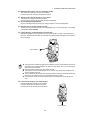
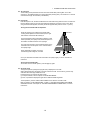
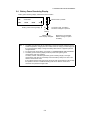
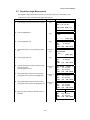
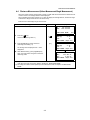
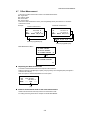
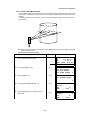
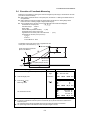
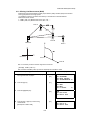
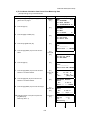
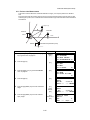
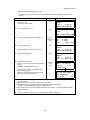
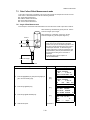
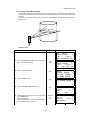
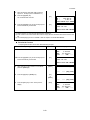
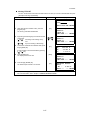
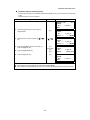
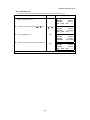
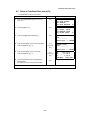
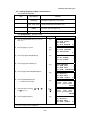
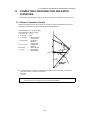
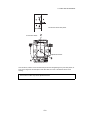
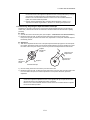
● Lighting, Blinking, and Extinguishing of Laser Pointer
Whenever the [F3] (L.P.) key is pressed, the laser pointer will light up, blink, or be extinguished, in
that order. The laser pointer assists with collimation by radiating visible laser light from the objective
lens to the target.
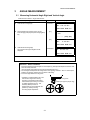
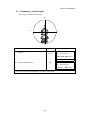
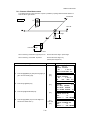
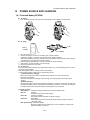
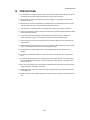
Laser aperture
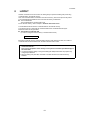
● The laser pointer indicates the approximate collimation position of the telescope. It does not
indicate the exact collimation position.To adjust the laser pointer, see 17.2.2 “Checking the
optical axis of Laser pointer”.
● When the EDM is working, the laser pointer will blink.
● The distance to which the laser pointer can be used will vary with climatic conditions and
with the eyesight of the user.
● You cannot see the laser pointer when looking through the telescope. Therefore, please look
directly, with the naked eye, at the point indicated by the laser pointer.
● When the laser pointer is used, the operating time of internal power source will become
short.
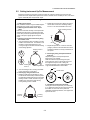
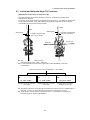
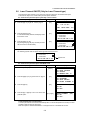
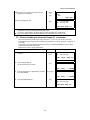
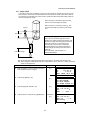
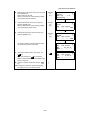
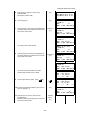
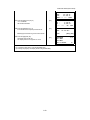
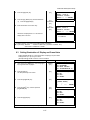
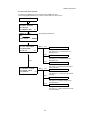
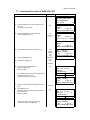
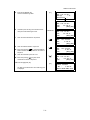
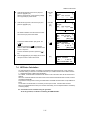
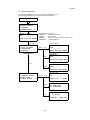
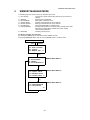
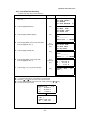
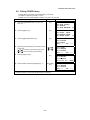
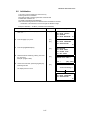
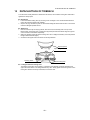
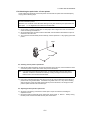
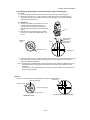
● Laser Plummet (Only for Laser Plummet type)
Laser plummet option will help you to center the
instrument easily onto the measurement point.
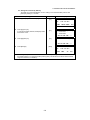
Press the star key to view the instrument options.
Laser aperture
1-8