1
Installing the Software
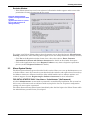
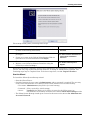
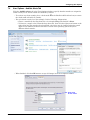
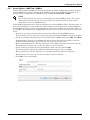
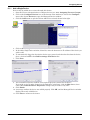
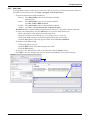
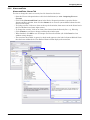
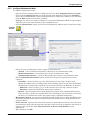
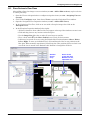
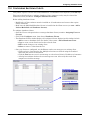
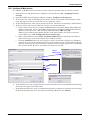
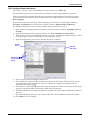
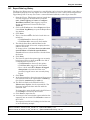
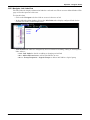
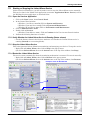
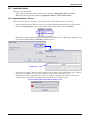
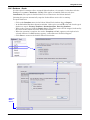
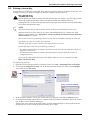
2. Copy product registration request file to an Internet-enabled computer.
• Navigate to the product registration request file called Registration.bin, which may be
found in the export subfolder in the user folder on the machine where the Viewer is running.
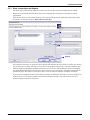
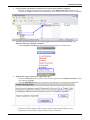
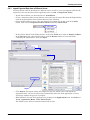
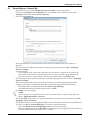
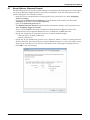
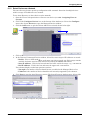
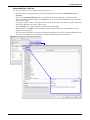
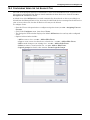
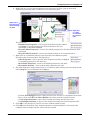
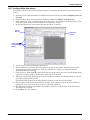
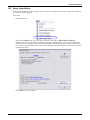
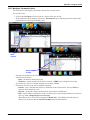
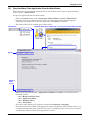
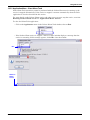
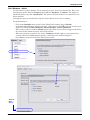
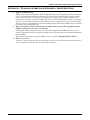
3. Visit the specified Nform SA site (http://applications.liebert.com/nformsa/) on a
different, Internet-enabled computer.
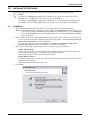
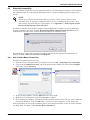
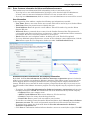
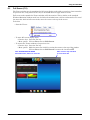
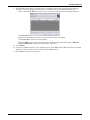
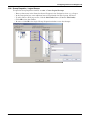
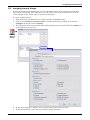
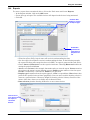
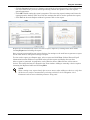
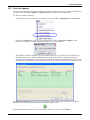
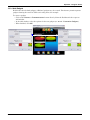
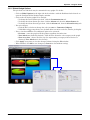
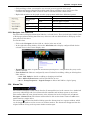
• Click on Register Product in the My Nform System menu, as shown below.
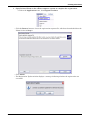
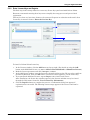
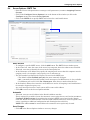
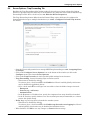
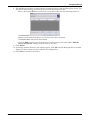
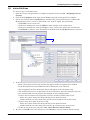
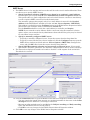
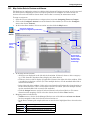
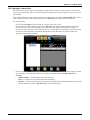
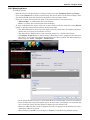
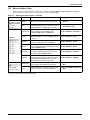
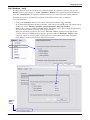
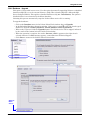
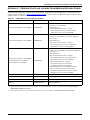
4. Upload the exported product registration file.
• Click on the Browse button and locate the product registration file Registration.bin, which
was exported in Step 1.
• Click the REGISTER button. If successful, a link appears to a registration response file.
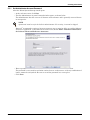
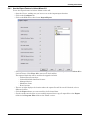
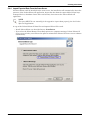
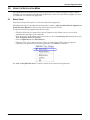
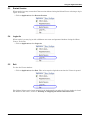
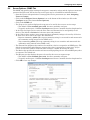
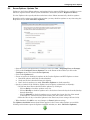
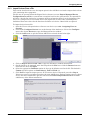
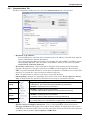
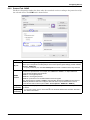
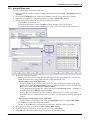
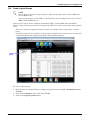
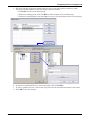
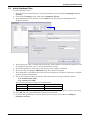
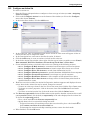
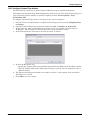
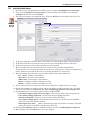
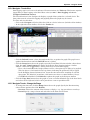
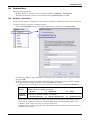
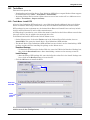
5. Download the registration response file and copy it to the Nform system.
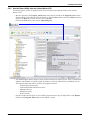
• Click on the link to download the response file for import into the Nform system.
• Copy that file to the offline computer where Nform is installed.
Liebert® Nform™
17