1
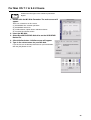
For Windows 2000 Users
To format an MO disk with user privileges, see How to use Eject and format privilege Tool.
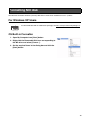
OS Built-in Formatter
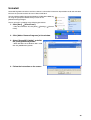
1. From Explorer, open My Computer.
2. Right-click the Removable Disk icon corresponding to the MO
drive and select [Format...].
3. Set the required items in the dialog box and click the [Start]
button.
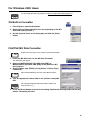
FUJITSU MO Disk Formatter
All menus and messages for this software are presented in English.
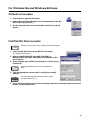
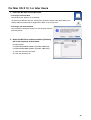
1. Insert the MO disk then run the MO Disk Formatter.
The dialog box will appear.
2. Select the MCR3230SS-S (DynaMO 2300 SCSI) or
MCM3130SS-S (DynaMO 1300 SCSI) in the [Select an MO
drive] list box.
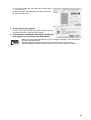
3. Select [Floppy Type (FAT32)] in the [Select a Format Type]
combo box.
FAT32 formatted MO disks cannot be used in Windows NT4.0.
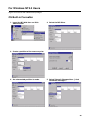
4. Type an appropriate volume label in the [Volume Label] edit
box.
Use only English alphabet (A-Z) and/or numeric number (0-9)
and/or underscore (_).
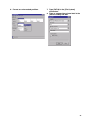
5. Press the [Start] button to continue formatting. Confirm the message and click the [OK]
button. Formatting will start.
18