1
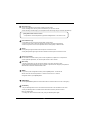
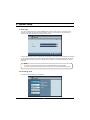
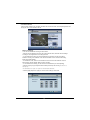
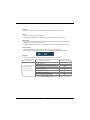
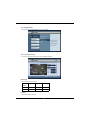
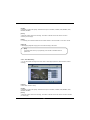
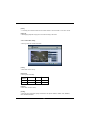
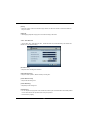
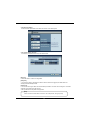
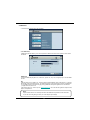
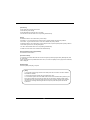
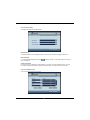
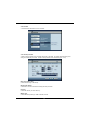
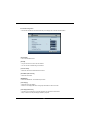
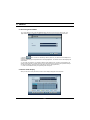
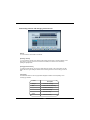
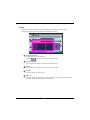
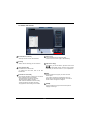
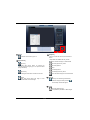
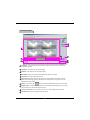
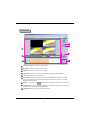
3.2 POP-UP MENU
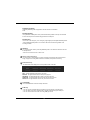
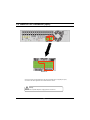
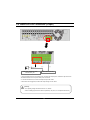
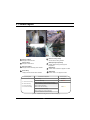
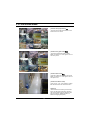
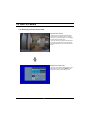
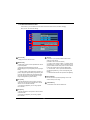
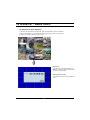
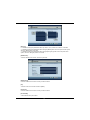
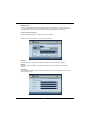
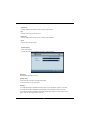
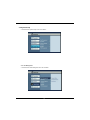
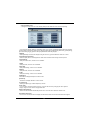
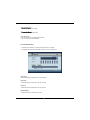
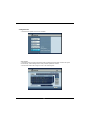
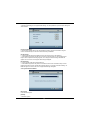
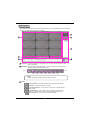
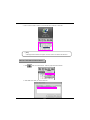
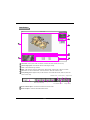
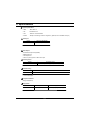
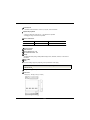
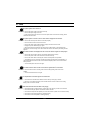
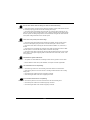
• You can use this menu by pressing mouse-right button. The benefit of this menu is that user can operate
DVR system by simply using mouse.
1
13
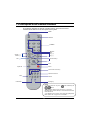
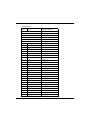
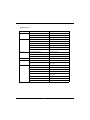
No.
2
3
4
5
6
7
8
10
9
14
15
Names
11
16
12
17
Features
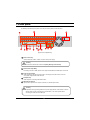
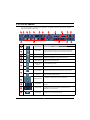
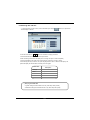
1
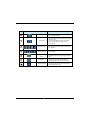
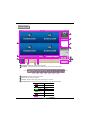
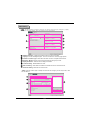
Search button
2
Menu button
3
PTZ button
4
Alarm Out button
5
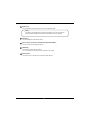
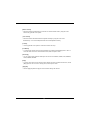
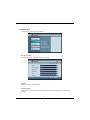
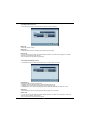
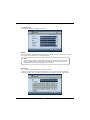
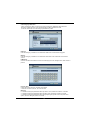
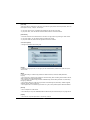
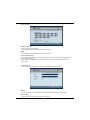
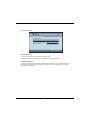
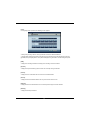
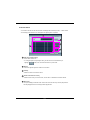
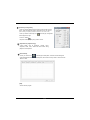
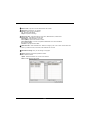
Event Search
• Opens the event search menu
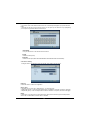
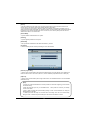
Backup cancel
button
• It cancel backup process.
Backup Button
• Opens the Backup menu
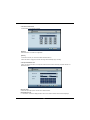
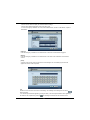
Log-Out button
• Click to log-out from the current user (Icon in live screen)
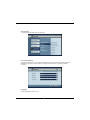
• It start search mode.
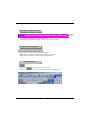
• It switches system to setup mode.
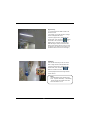
• Users can use this menu to move from lower level menu to
upper level menu or when they exit from system setup mode.
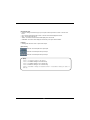
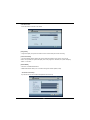
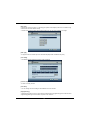
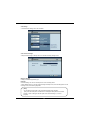
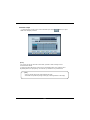
• Button to enter Pan/Tilt control menu.
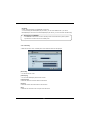
• Click on “ALARM OUT” to go to Alarm Out menu.
6
7
Search return
button
• Click to return to search menu
(Icon in search playback screen)
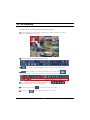
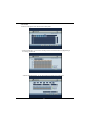
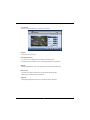
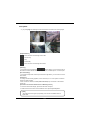
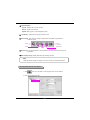
• This button controls PTZ direction at PTZ mode.
8
Direction button
9
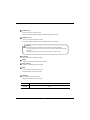
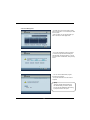
Zoom In/Out
• Zoom In/Out any supported Pan/Tilt or Speed Dome type
camera.
10
Focus In/Out
• Adjusts focus of the camera lens. (This function is not
supported on any auto focus)
11
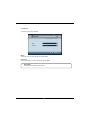
Audio button
• Click to turn Audio output on and off.
38