1
User manual / Version 1.8
3.5 Start as application
Normally, QSynchronization lives in Outlook, blocking Outlook during synchronization. Optionally, QSynchronization can be started as application.
The QSynchronization application has the advantage, that it syncs via timer while you are
working in Outlook, you will not even realize, that a different application is syncing your data.
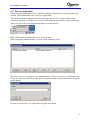
After start, you will see the QSynchronization icon in the tray bar:
Right click to start Synchronization or to set up the timer.
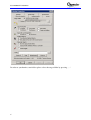
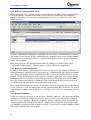
After starting the synchronization, you will see the following screen:
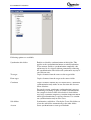
This allows you to edit properties of synchronizations, delete or create a new synchronizations.
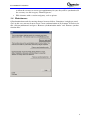
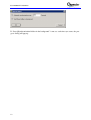
If you are using more than one profile, please set up the profile for QSynchronization using the
profile button:
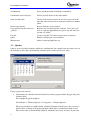
In order to use the timer, set up the timer using the timer menu:
11