1
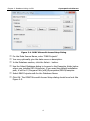
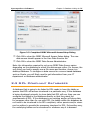
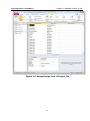
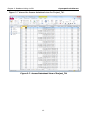
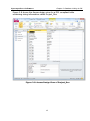
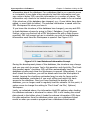
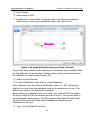
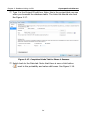
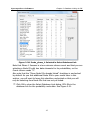
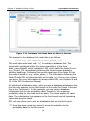
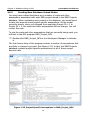
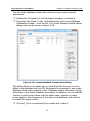
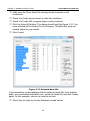
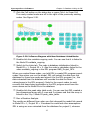
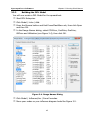
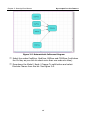
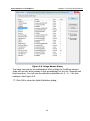
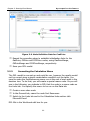
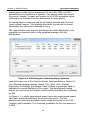
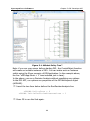
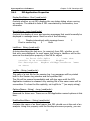
Chapter 3: Running Excel Macros Syncopation Software 3.2.2 Building the DPL Model You will now create a DPL Model for the spreadsheet. Start DPL Enterprise. In the Range Names dialog, select CO2Price, CoalPrice, GasPrice, OilPrice and Utilization (see Figure 3-4), then click OK. Click Model | Links | Add. Press the Browse button and find PowerPlantMacro.xls, then click Open and then OK. Figure 3-4. Range Names Dialog Click Model | Influence/Arc | From Formulas. Move your nodes so your influence diagram looks like Figure 3-5. 45