1
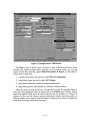
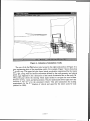
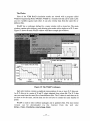
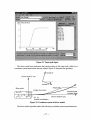
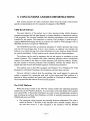
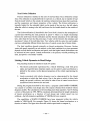
1 . Yellow fields. These contain data that can be edited directly. For exarnlple, to
change wheelbase, find the yellow field with the current wheelbase value @,
click on the field, and change the value using the mouse and keyboard.
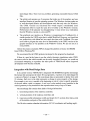
2. Buttons. All of the library screens include buttons at the top to quickly navigate
through the data sets in the library and to go to other libraries and programs in
VDM RoAD (see the buttons near
a).
H,
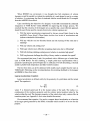
3. Pull-down menus. Some of the buttons are marked with a triangle
indicating
that pressing them with the left mouse button brings up a pull-down menu.
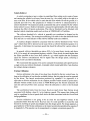
The yellow field in the upper-left corner of the screen is the title of the data set:
AASHTO 3-Axle Tractor @. (The title is simply text chosen by the user to identiify this
data set in the library. It has no significance to the simulation.)
Figure 11. Example data screen.
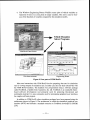
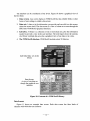
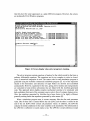
The Simulation Solver Programs
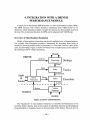
VDM RoAD contains programs that solve the equations of motion for vehicle
models, predicting motions, forces, and other variables. The solver programs a.re socalled console applications. Each behaves as a terminal console, with no user interface
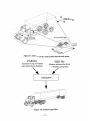
other than the display of text and the acceptance of keyboard entries. Figure 12 shows