1
6899ch06.fm
Draft Document for Review April 17, 2008 2:10 pm
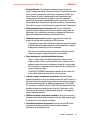
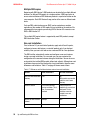
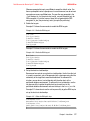
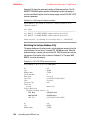
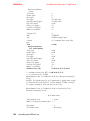
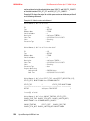
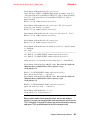
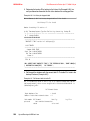
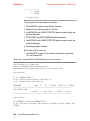
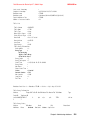
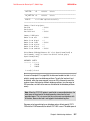
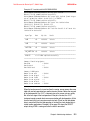
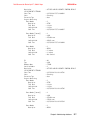
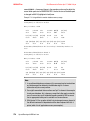
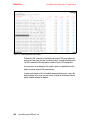
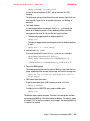
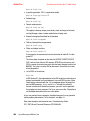
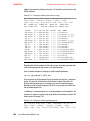
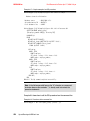
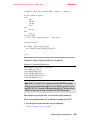
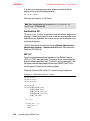
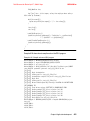
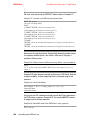
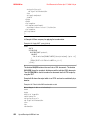
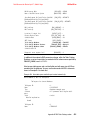
Status Flags
-- 21
System Cats inc
-- 1
Catalog Partition Number
-- 0
DB Codeset
-- UTF-8
DB Territory
-LogID
-- 1202239916
LogPath
-/database/db2inst1/NODE0000/SQL00002/SQLOGDIR/
Backup Buffer Size
-- 1048576
Number of Sessions
-- 1
Platform
-- 1E
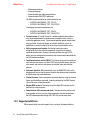
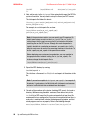
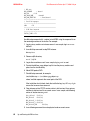
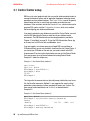
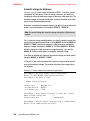
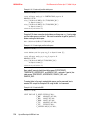
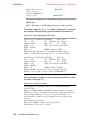
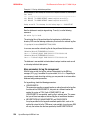
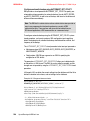
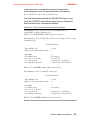
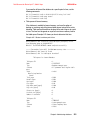
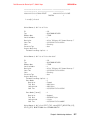
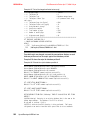
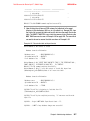
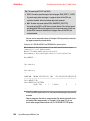
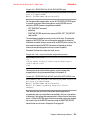
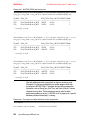
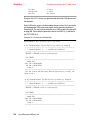
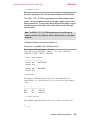
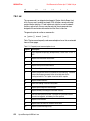
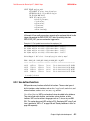
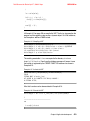
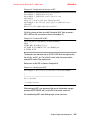
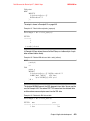
The proper image file name would be:
ITSODB.0.db2inst1.NODE0000.CATN0000.20080205141153.001
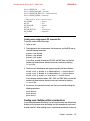
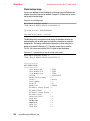
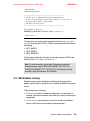
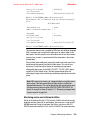
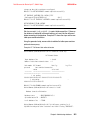
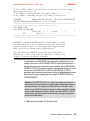
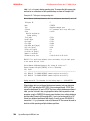
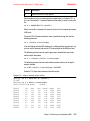
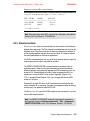
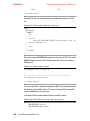
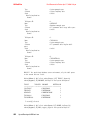
[1] Buffers processed: ############
Image Verification Complete - successful.
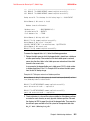
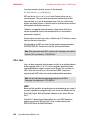
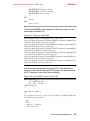
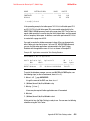
For more options of the db2ckbkp utility, see the Command Reference,
SC23-5846-00.
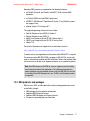
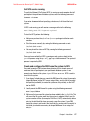
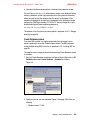
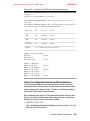
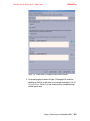
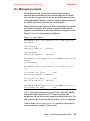
Backup database with Control Center
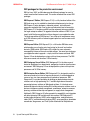
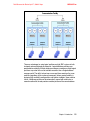
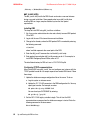
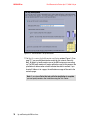
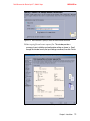
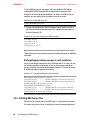
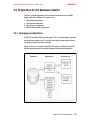
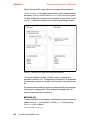
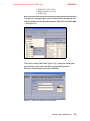
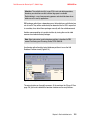
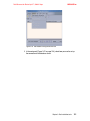
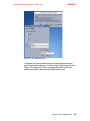
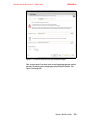
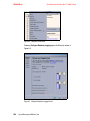
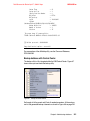
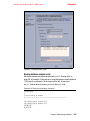
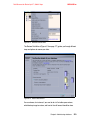
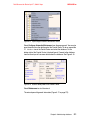
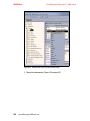
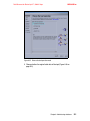
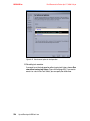
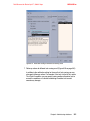
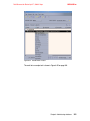
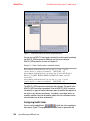
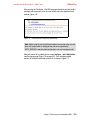
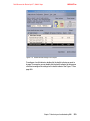
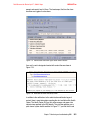
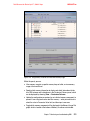
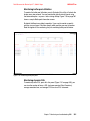
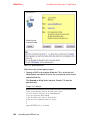
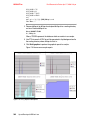
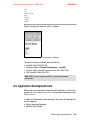
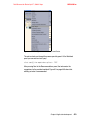
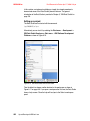
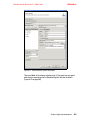
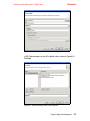
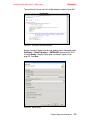
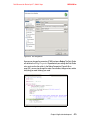
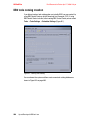
The backup utility is fully integrated within the DB2 Control Center. Figure 6-7
shows where you can invoke the backup utility.
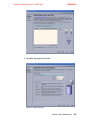
Figure 6-7 Backup in Control Center
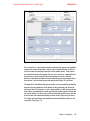
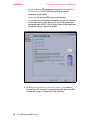
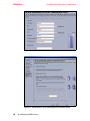
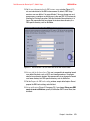
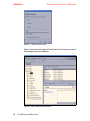
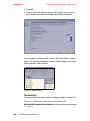
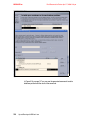
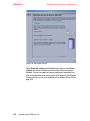
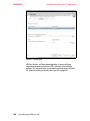
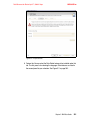
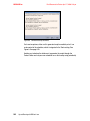
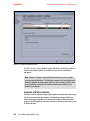
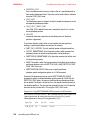
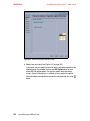
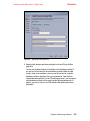
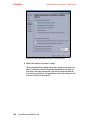
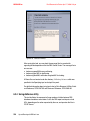
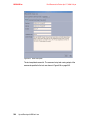
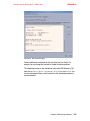
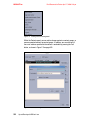
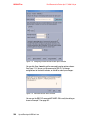
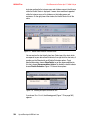
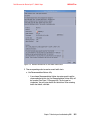
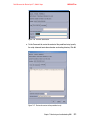
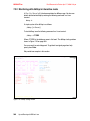
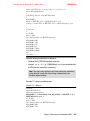
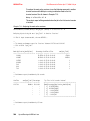
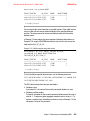
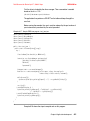
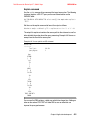
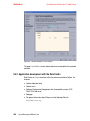
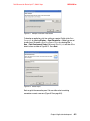
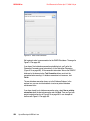
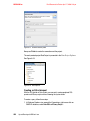
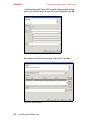
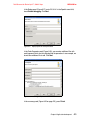
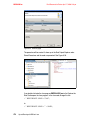
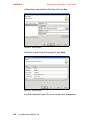
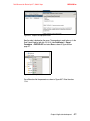
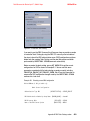
Go through all of the panels and fill out all needed parameters. At the end you
can list the generated backup statements as shown in Figure 6-8 on page 242.
Chapter 6. Administering databases
241